Restaurant Reviews → Menu Builder
Five stages turn a restaurant's name and menu URL into a finished, photo-illustrated menu. Every stage below shows real data from a live run on The Old Mohawk in Columbus, OH.
Menu Extractor
Reads the restaurant's online menu page and turns the messy HTML into clean, structured text — every section, item, and price.
Input — menu URL
Hummus Plate ... 12.95
</div>
<div class="menu-item"> ...
Workflow
Output — menu.md · 8 sections · 63 items
Photo Scraper
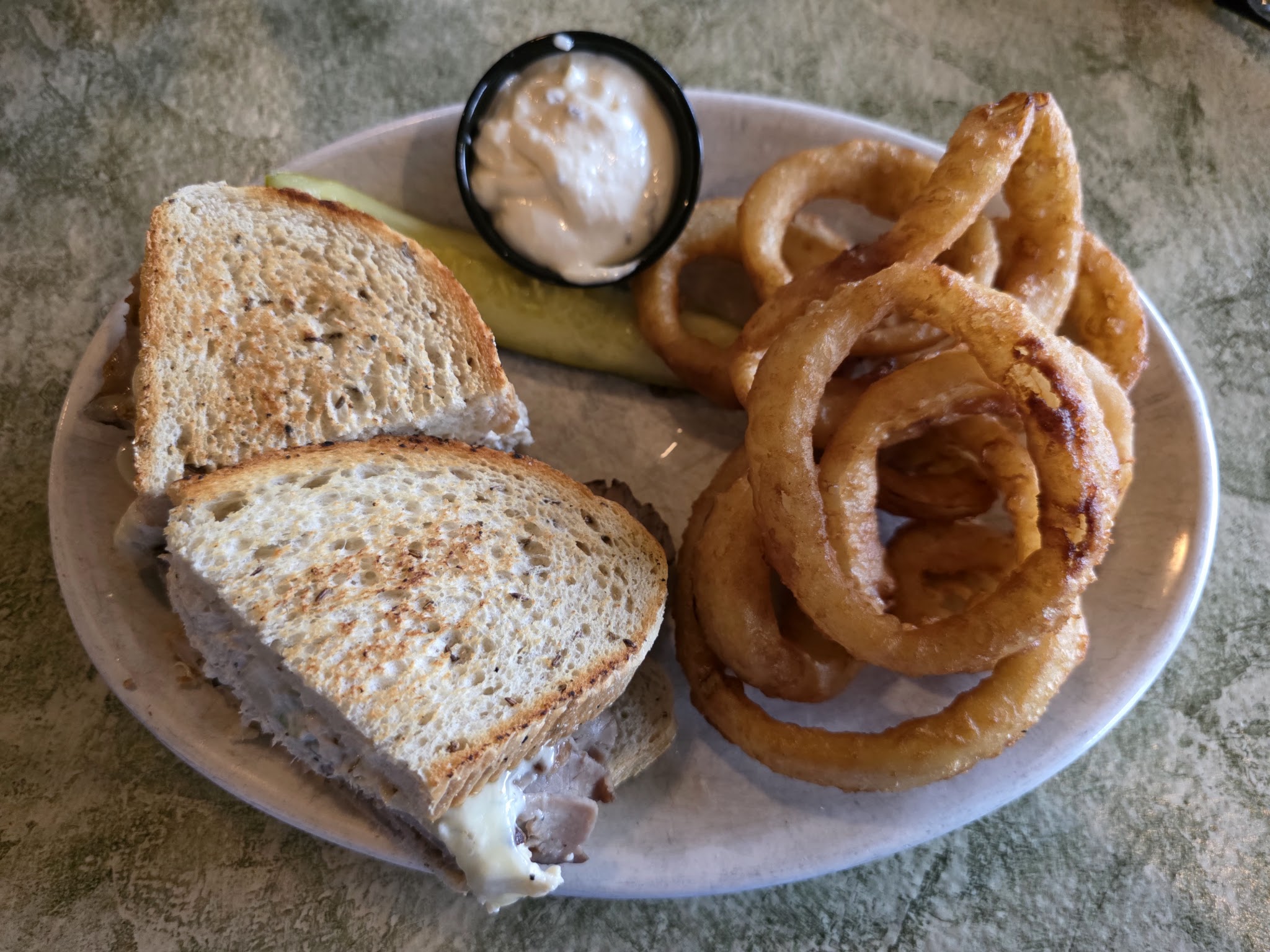
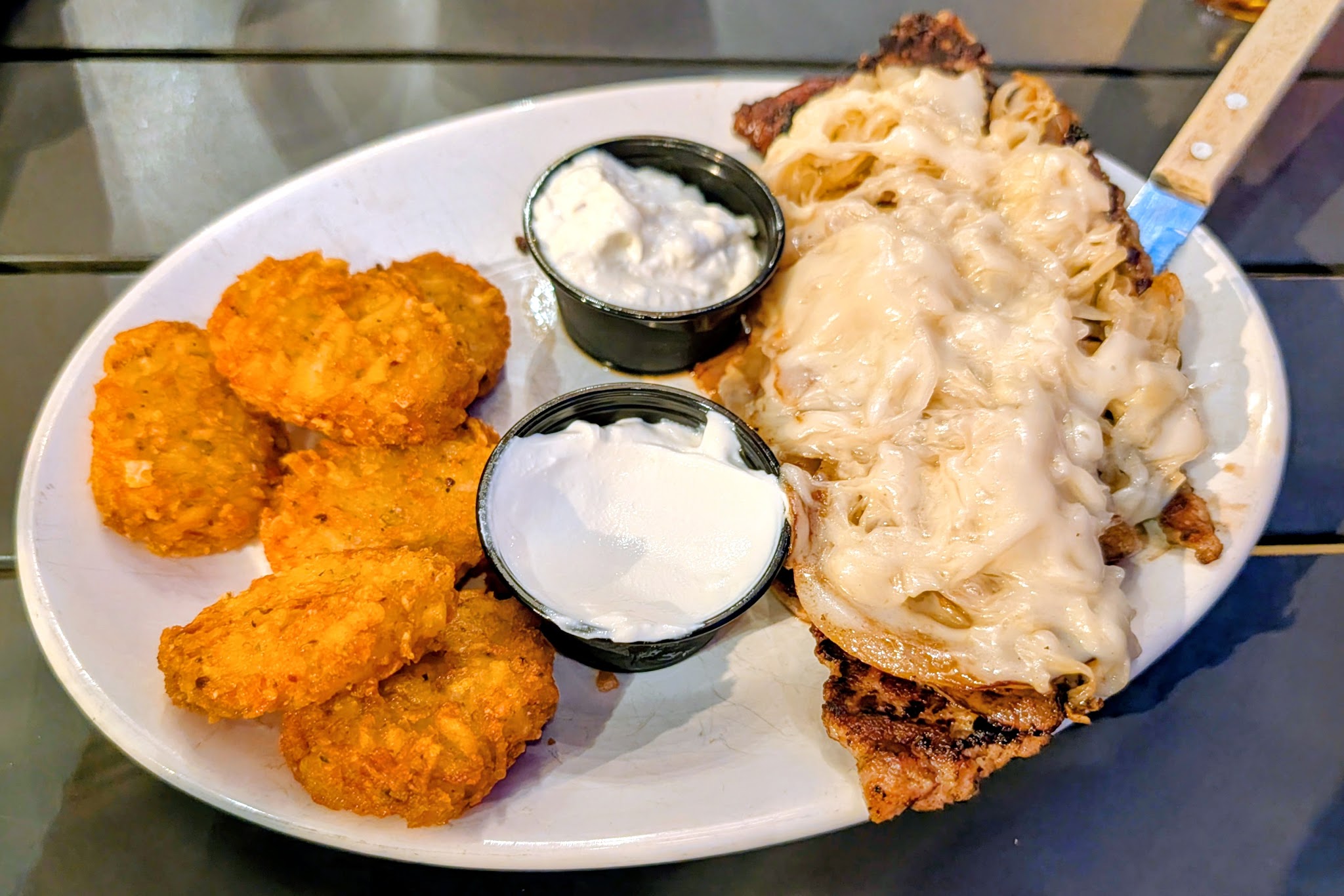
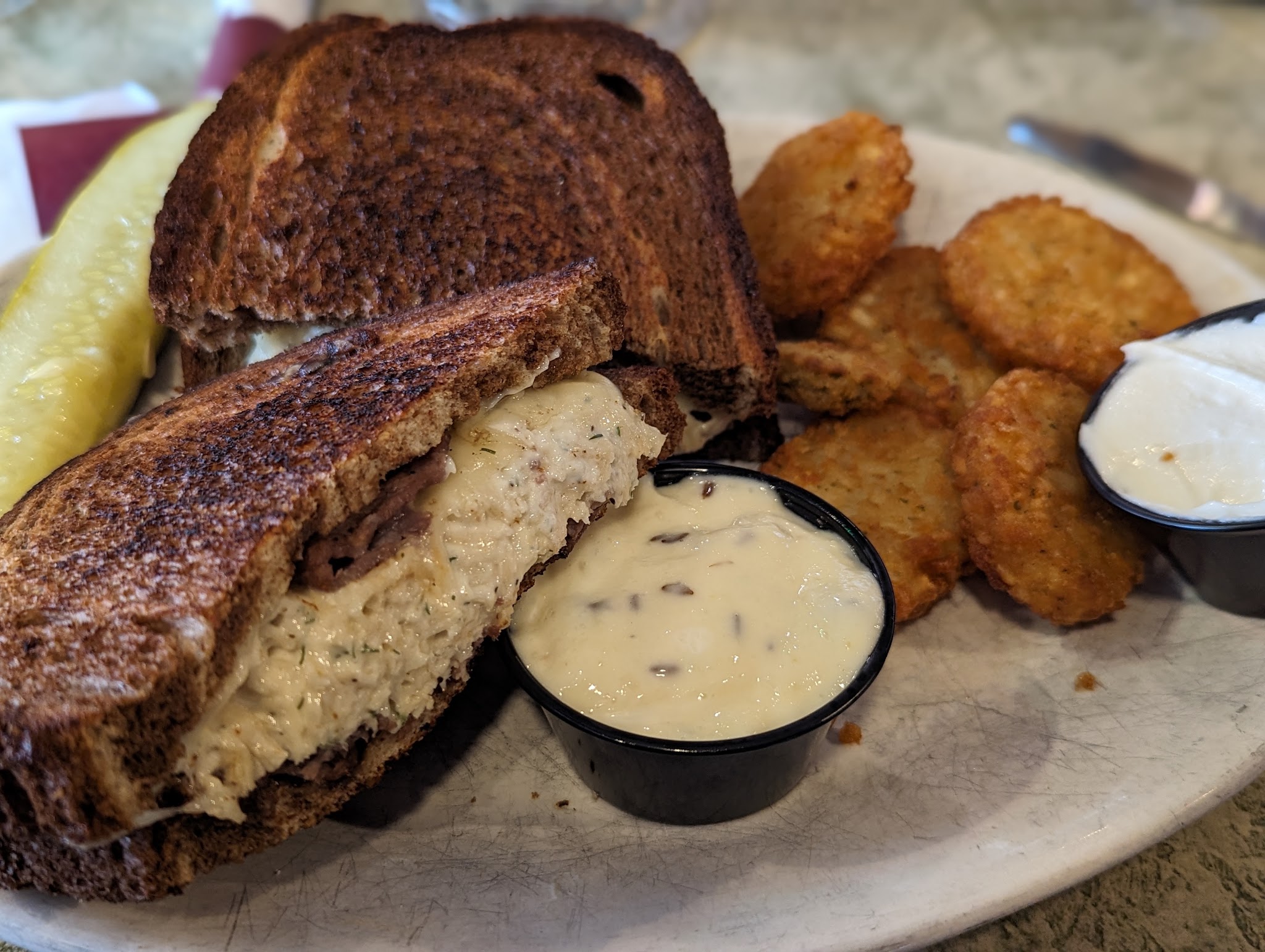
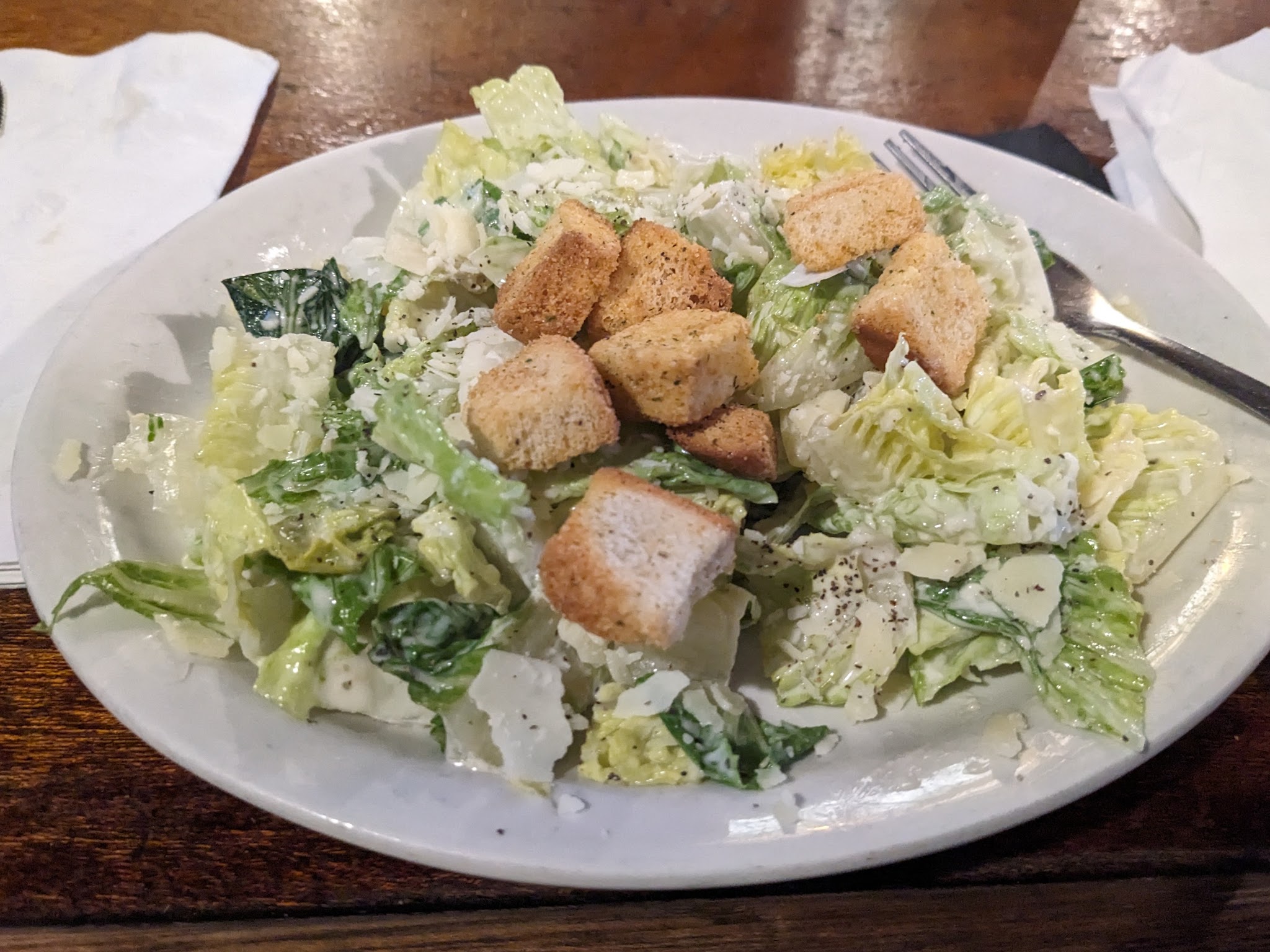
Pulls every customer and owner photo from the restaurant's Google Maps listing — no paid API. A headless browser opens the Photos panel and scrolls each tab to exhaustion.
Input
Workflow
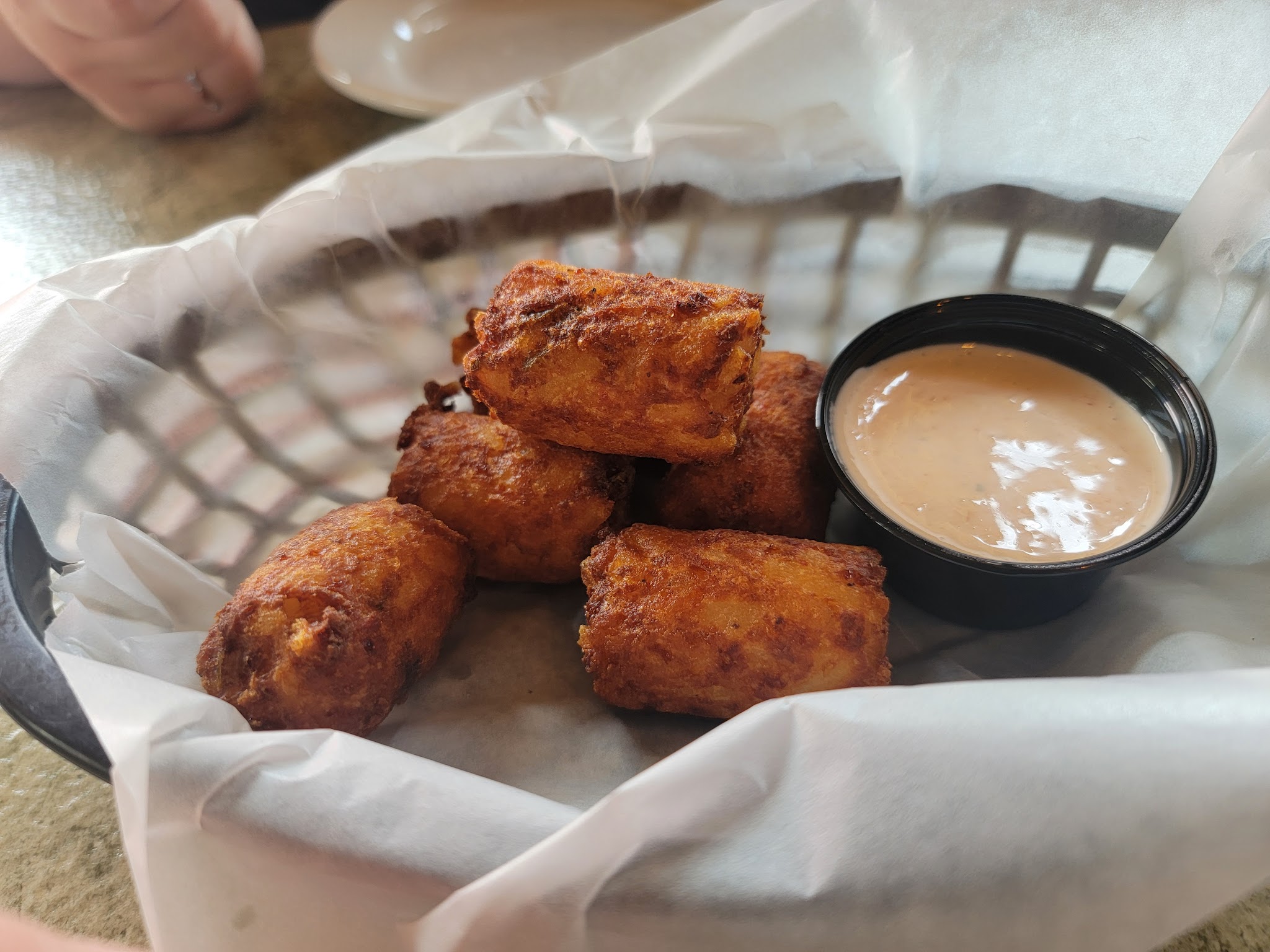
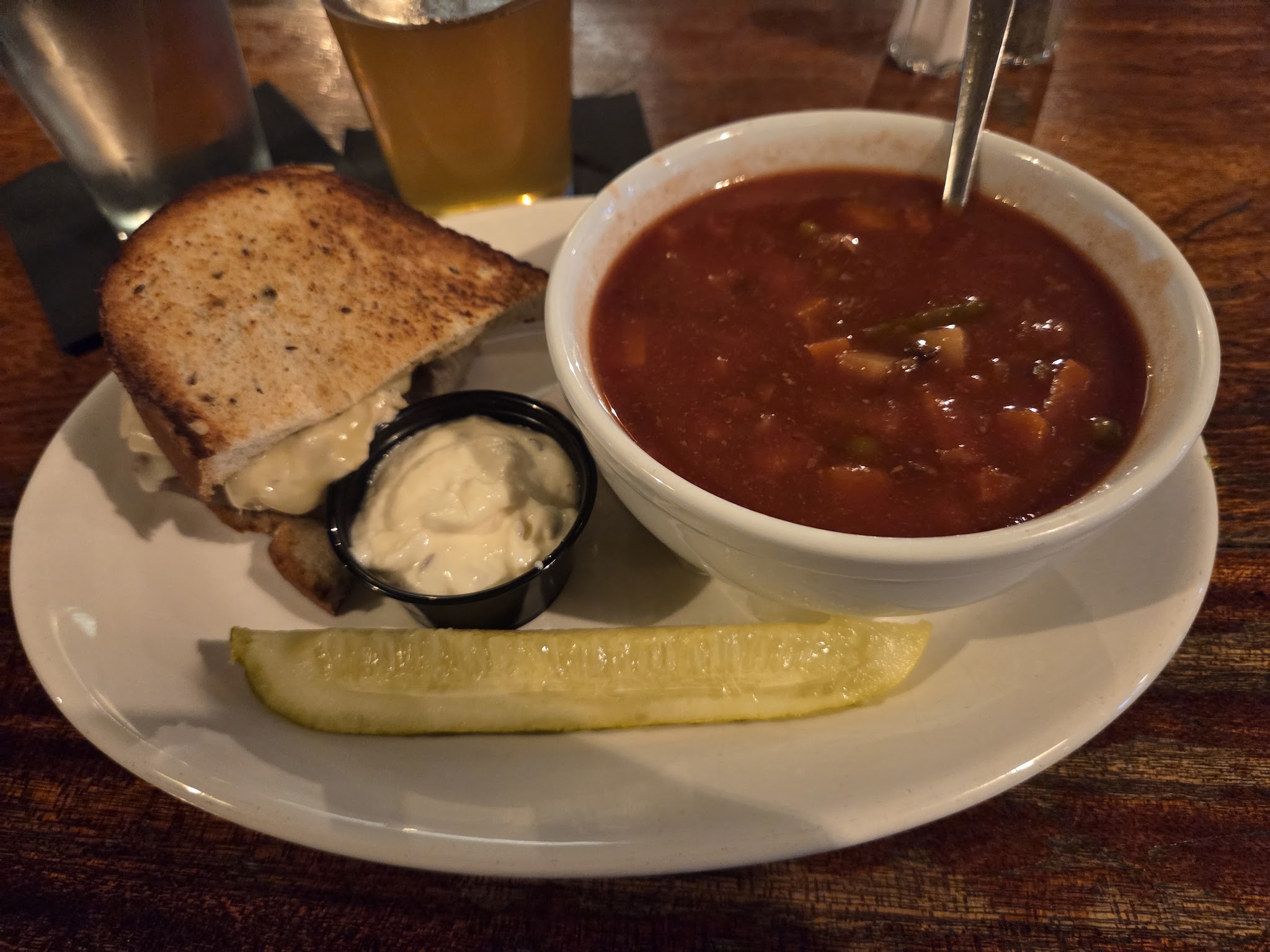
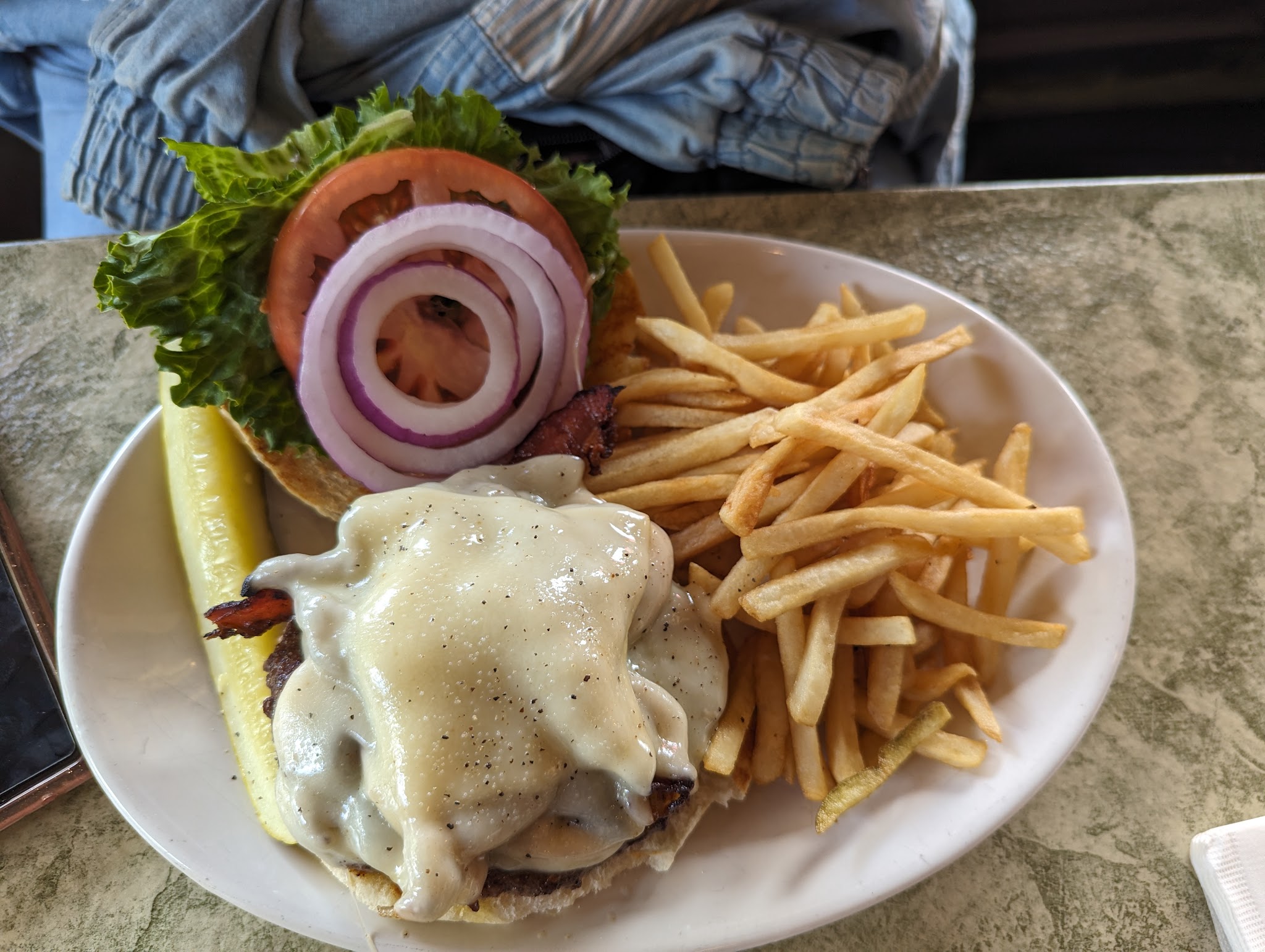
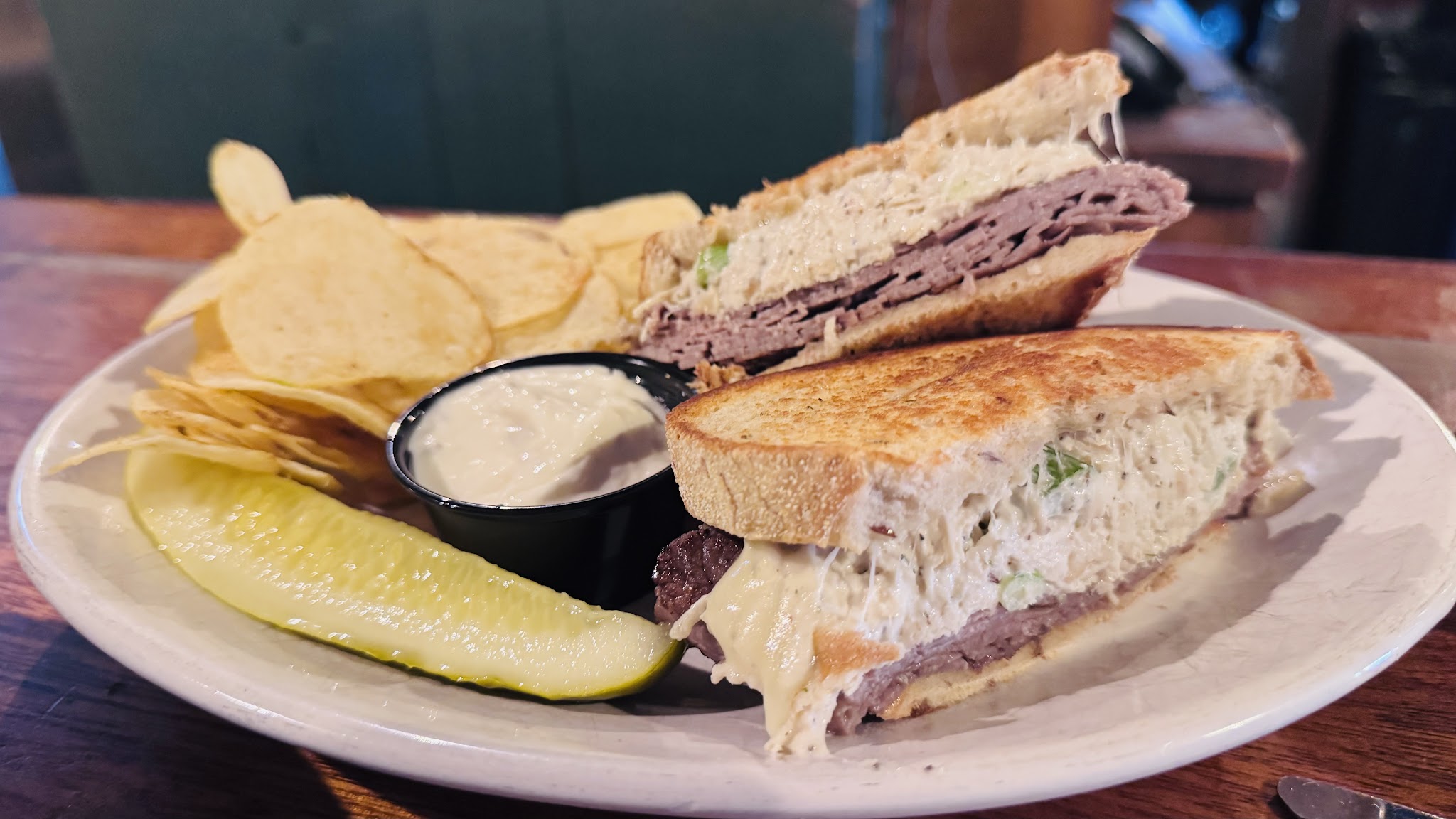
Output — 417 images scraped (16 shown)
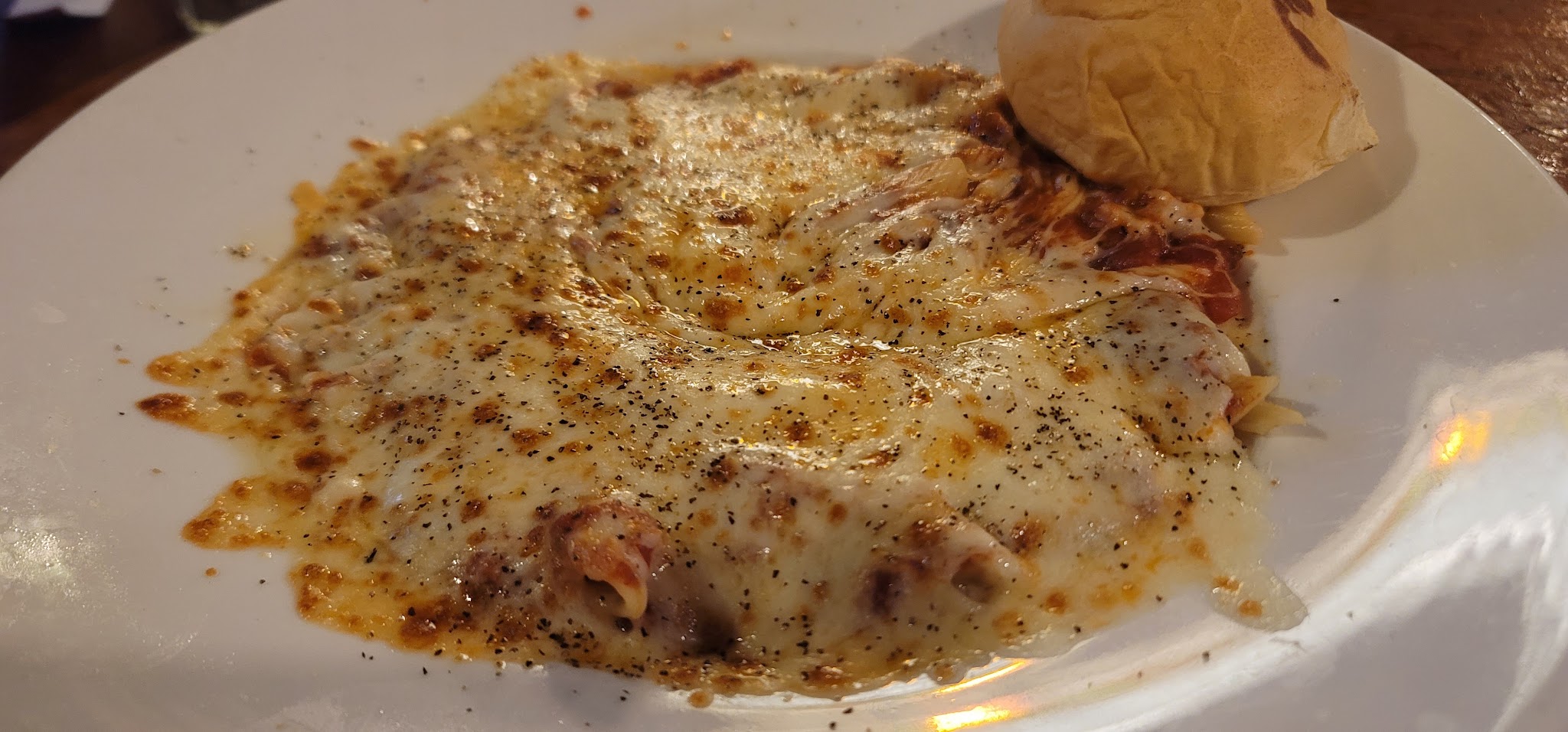
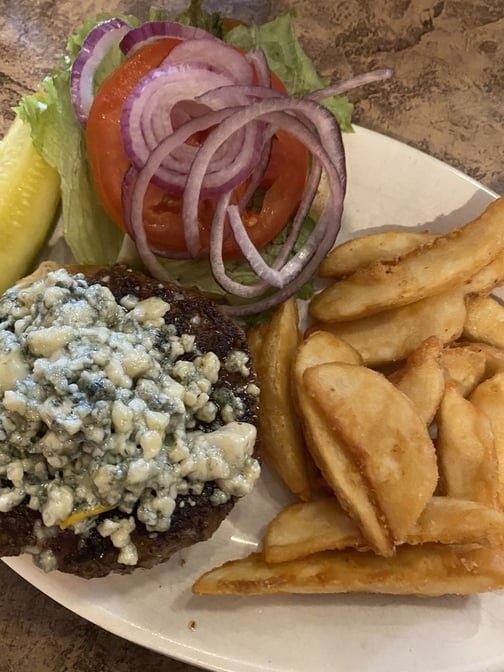
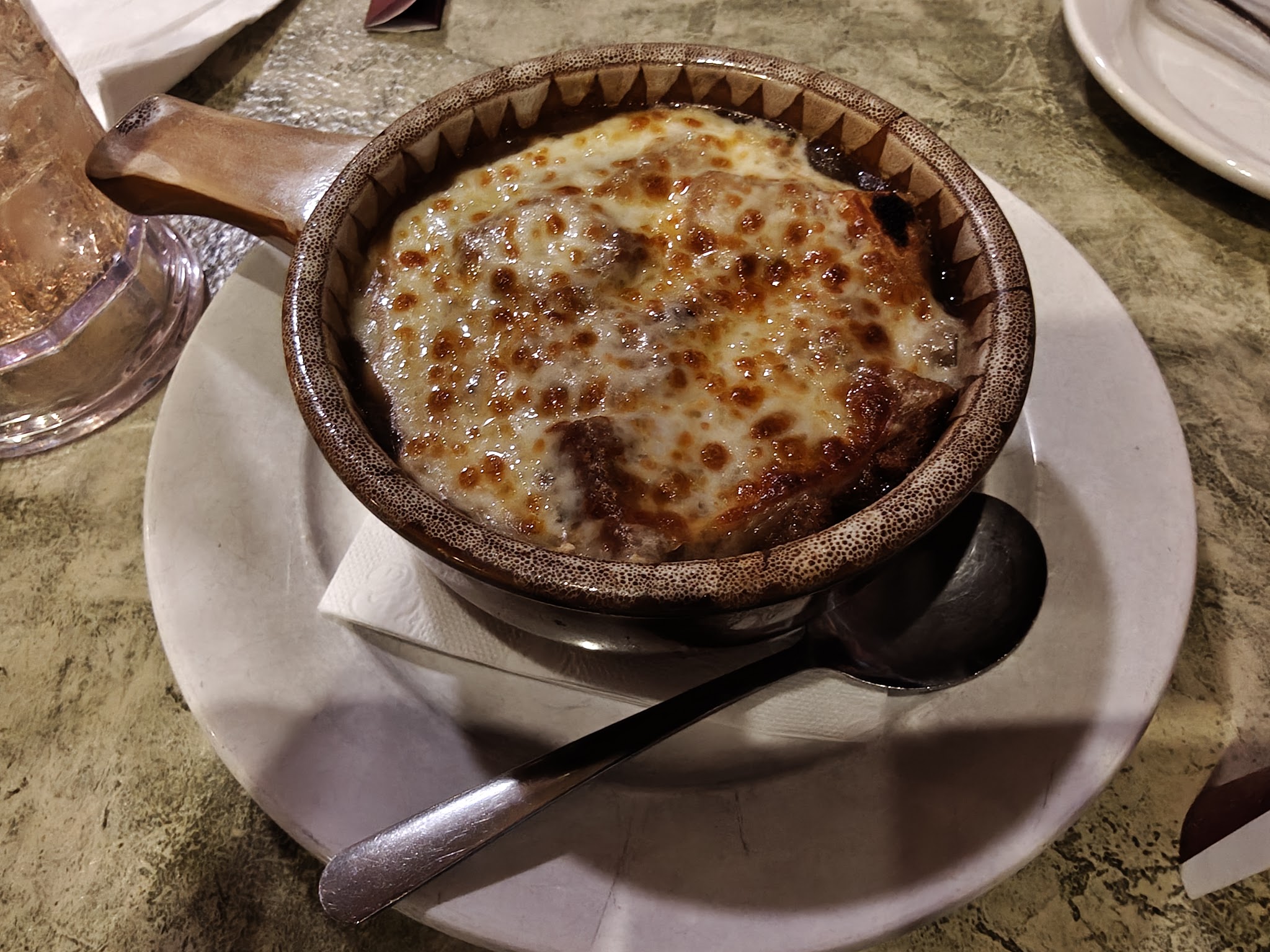
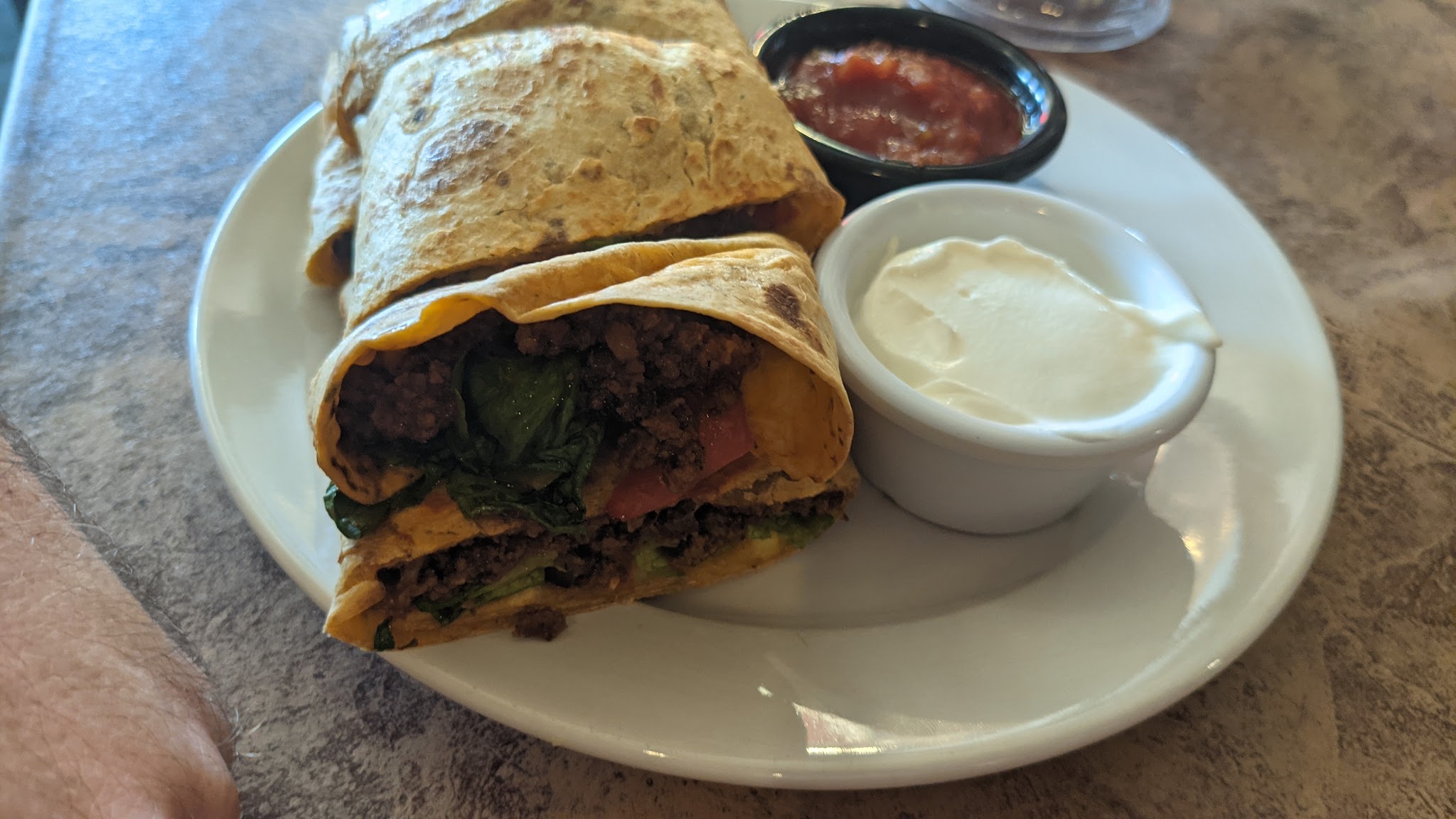
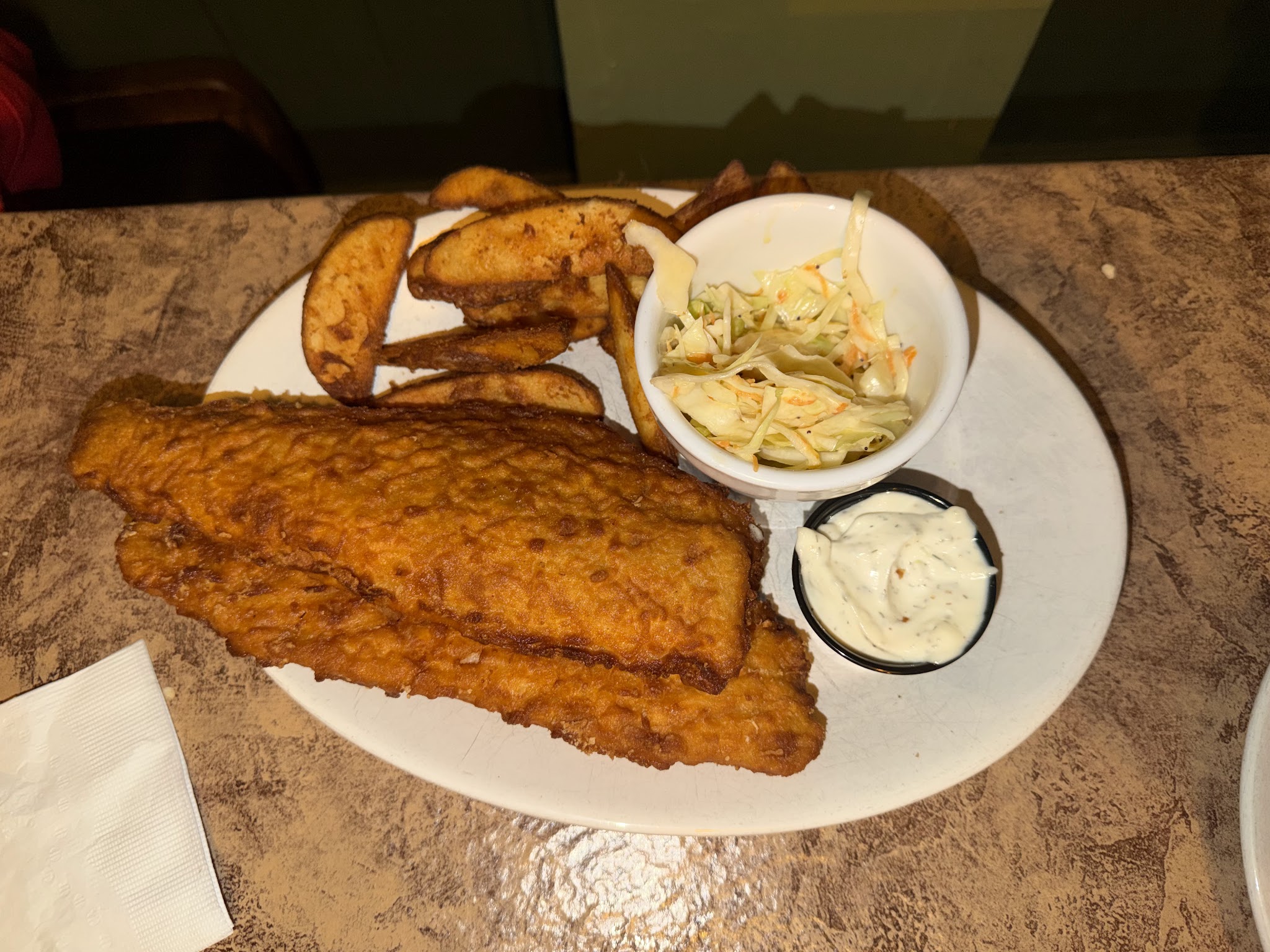
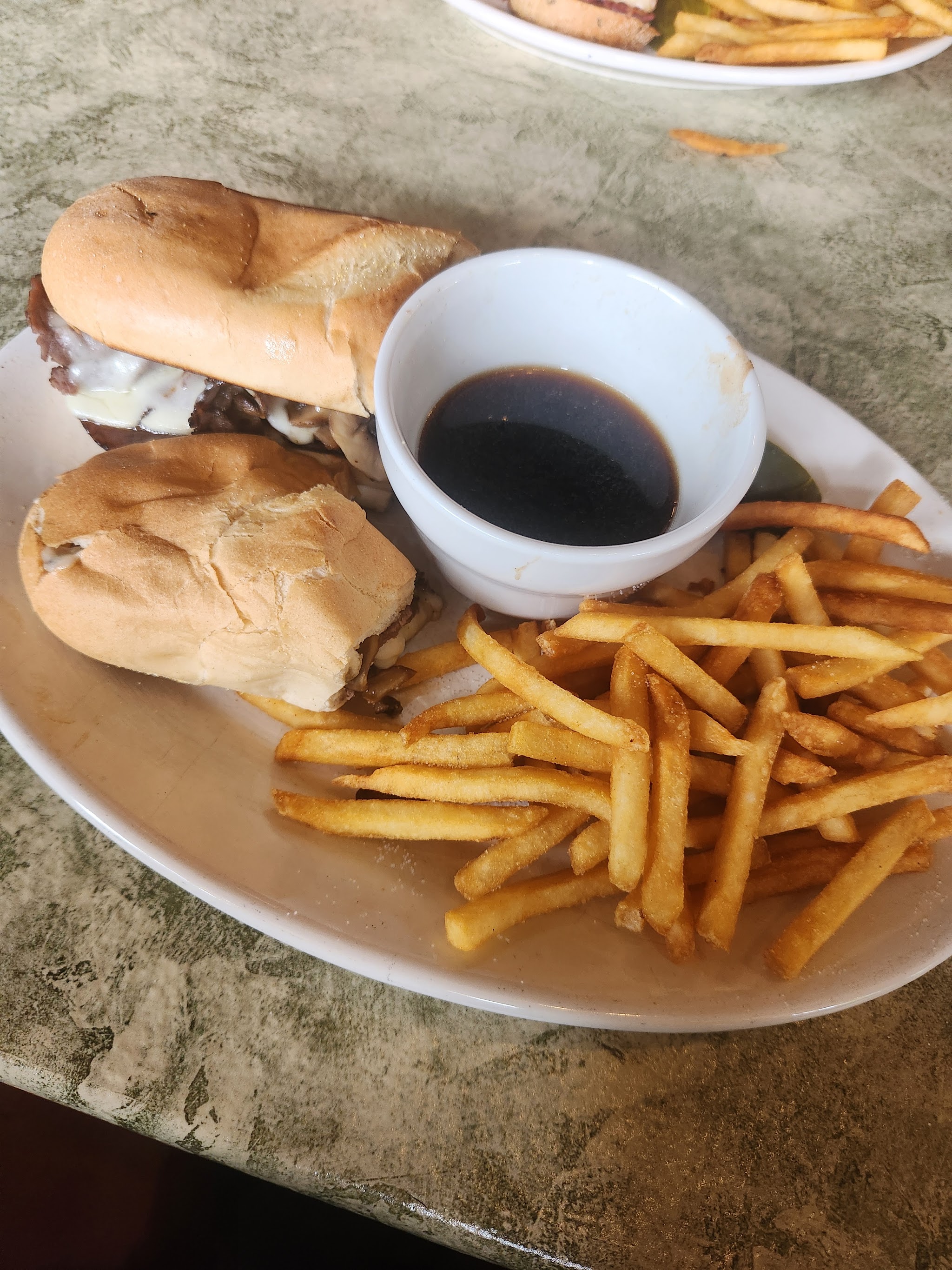
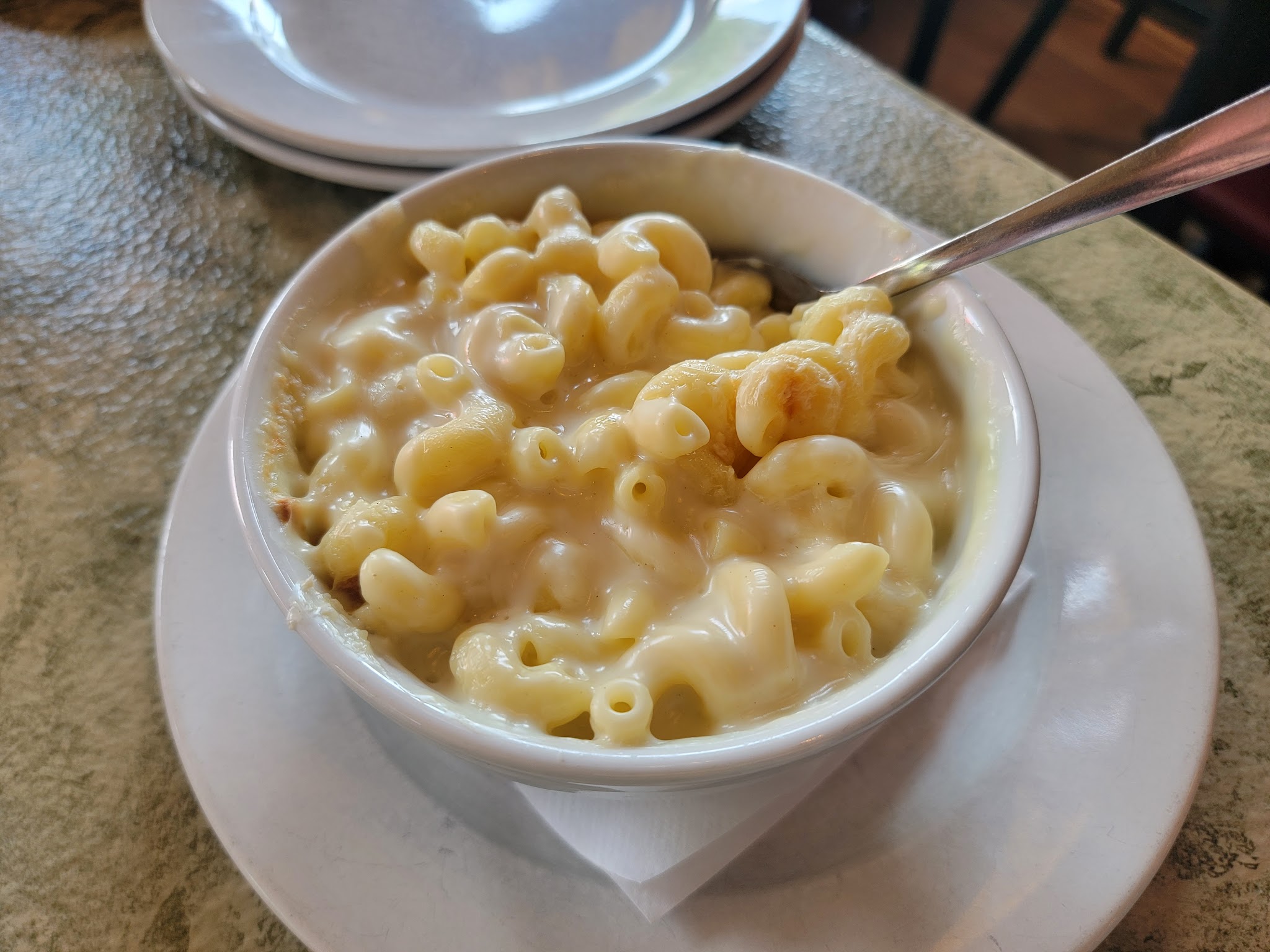
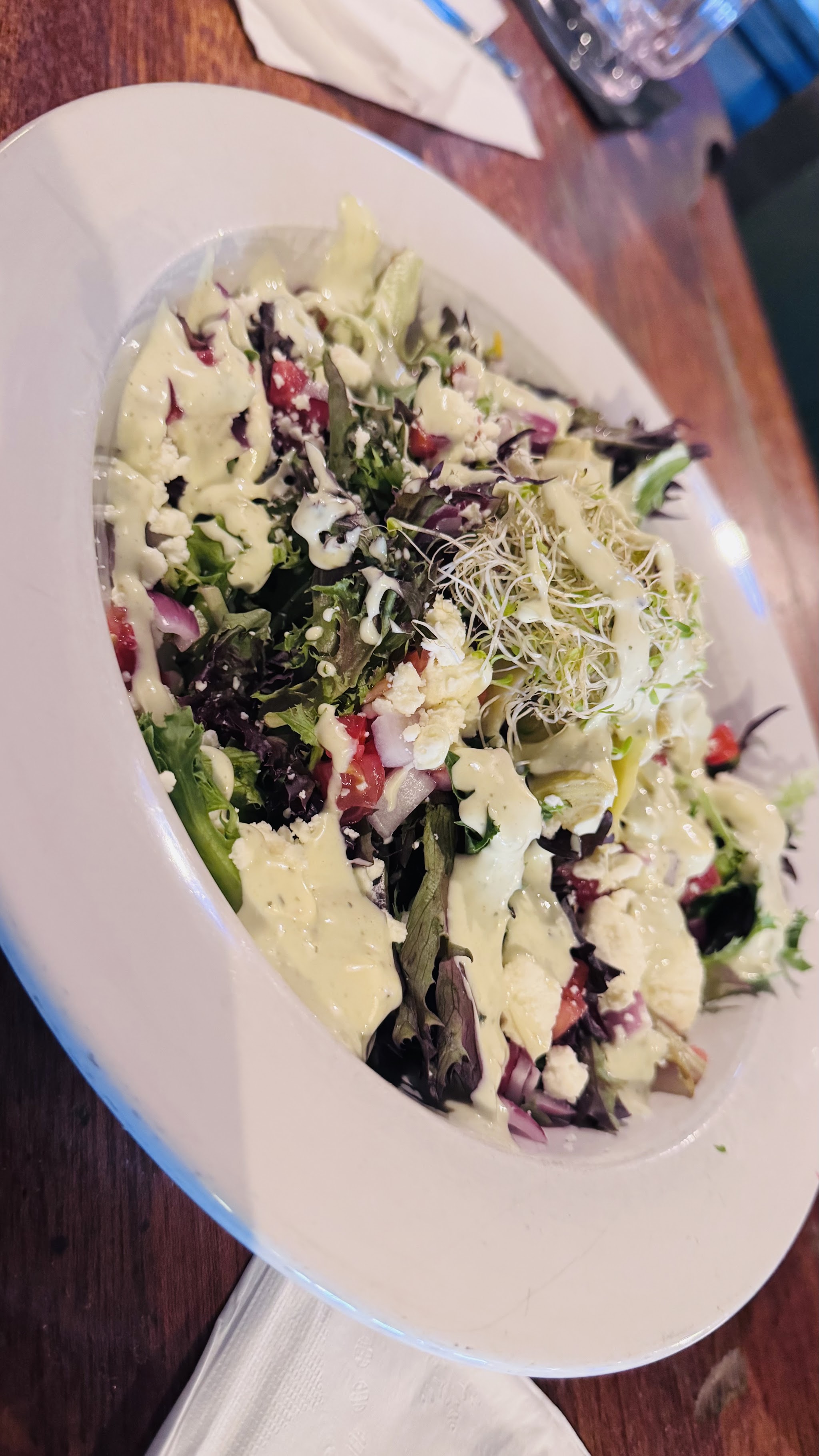
Classifier
Most scraped photos are storefronts, menus, or crowded tables. A vision model labels every image and keeps only clean single-dish food shots — then a human gives the final yes/no in a review widget.
Input — 417 scraped photos
Workflow
Output — single-dish food shots, human-approved
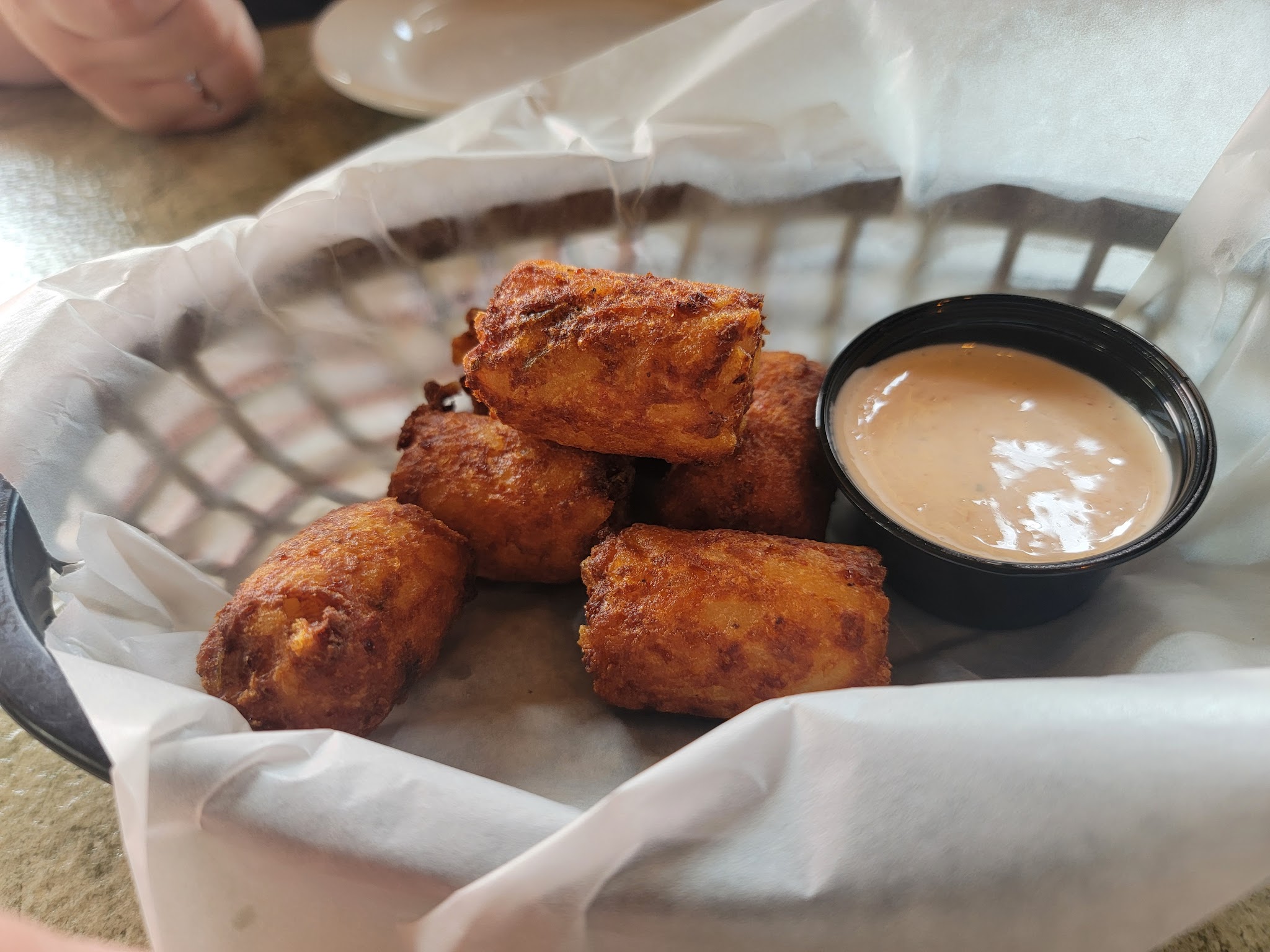 kept
kept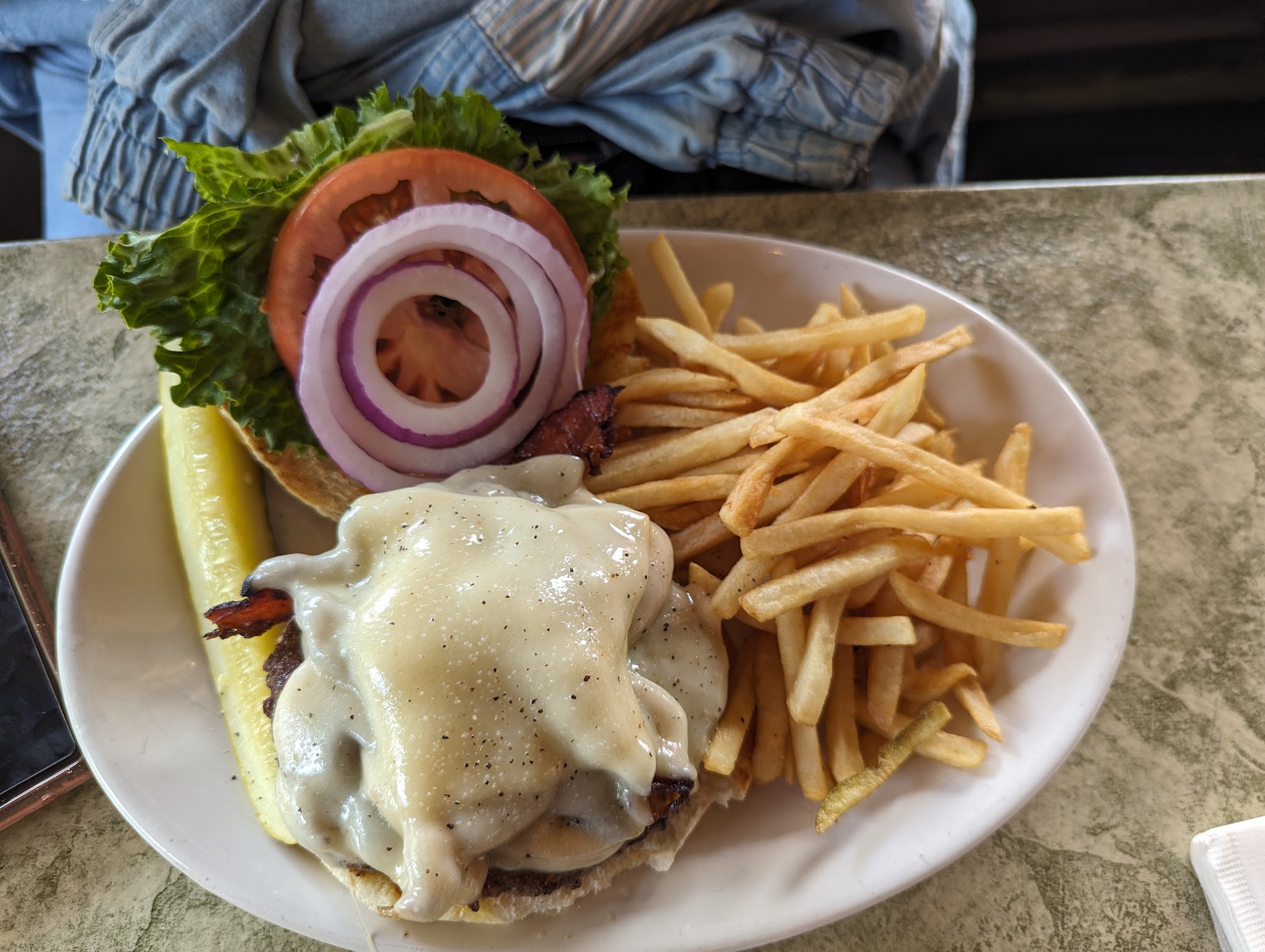 kept
kept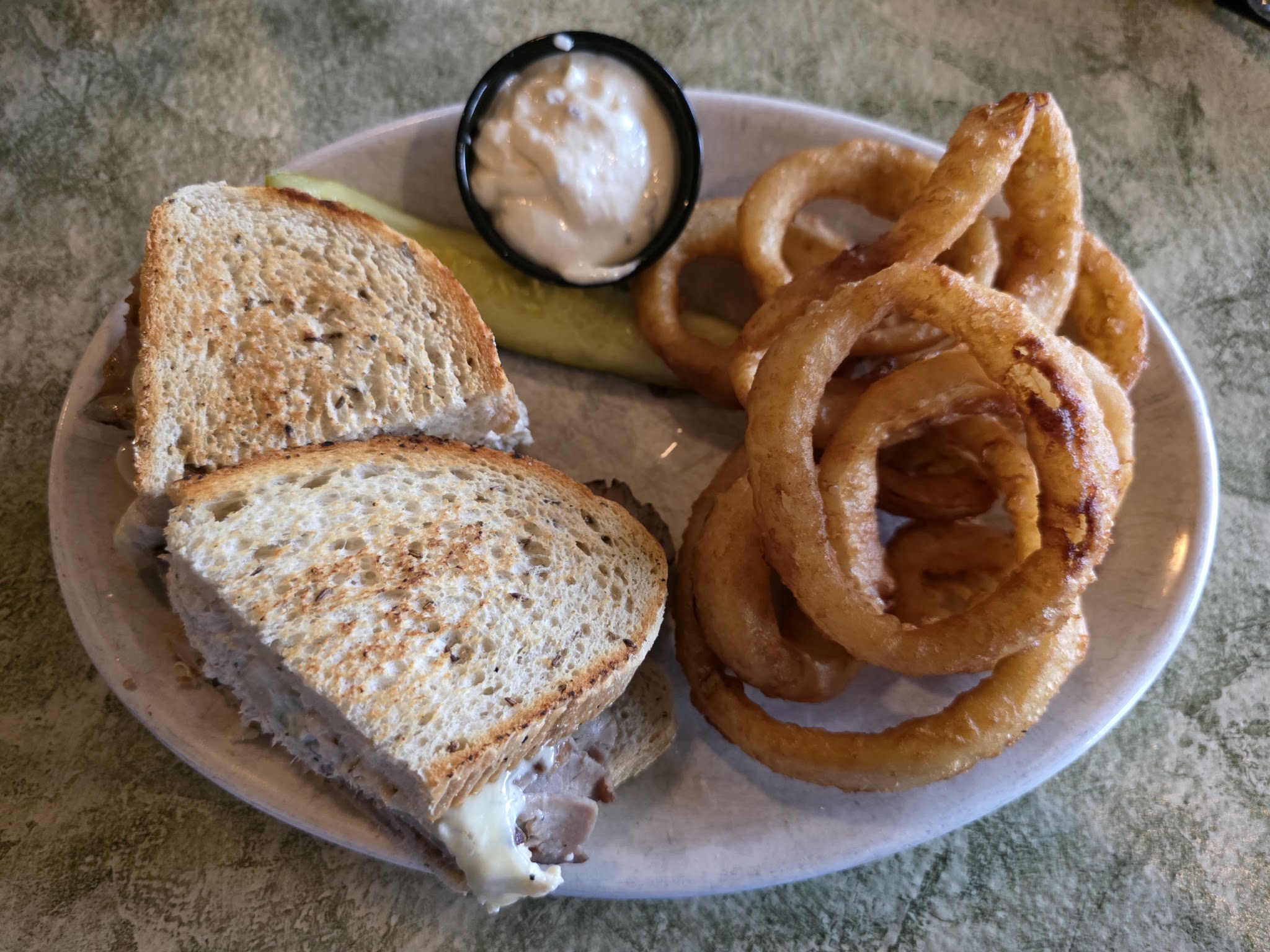 kept
kept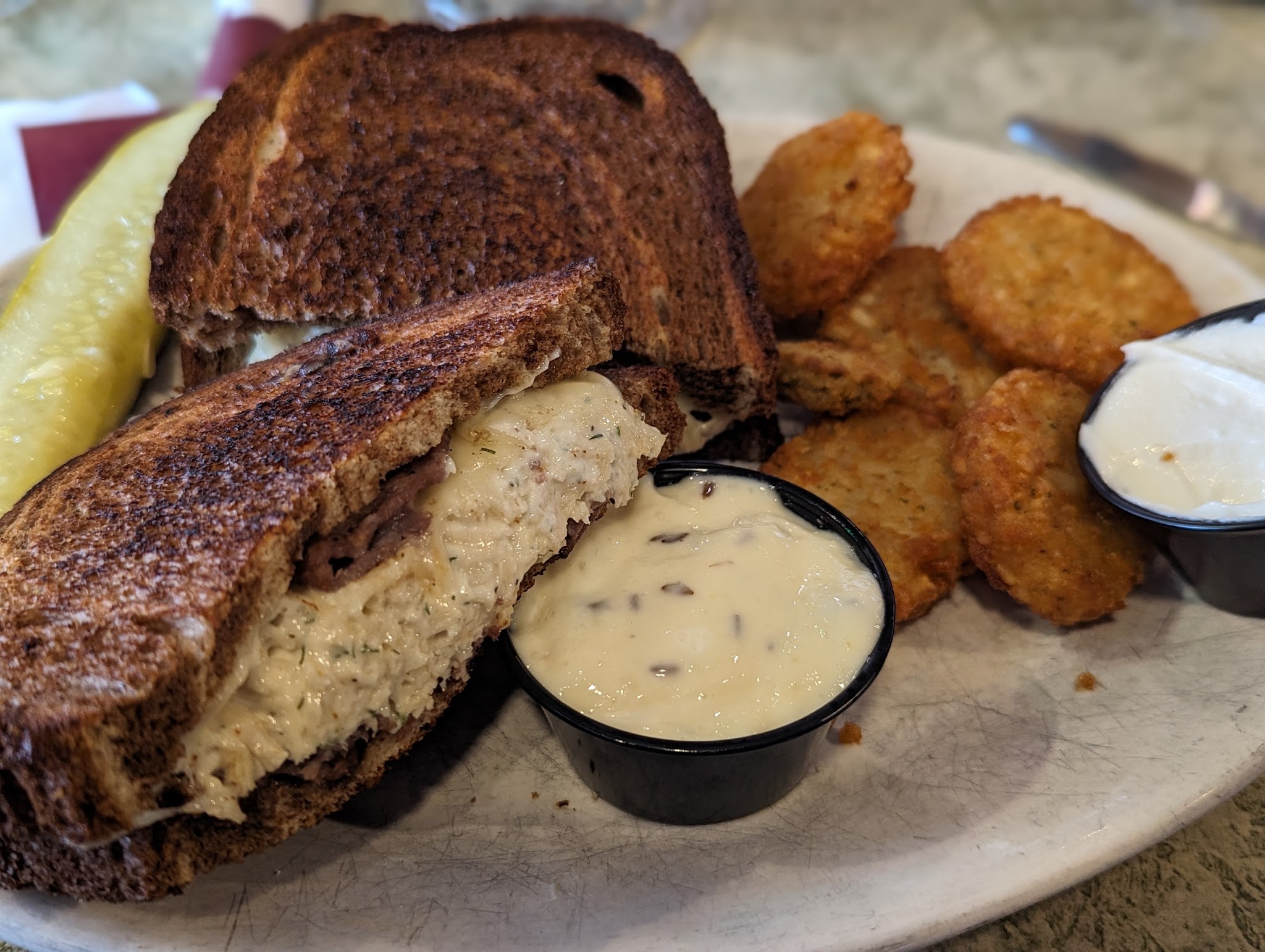 kept
kept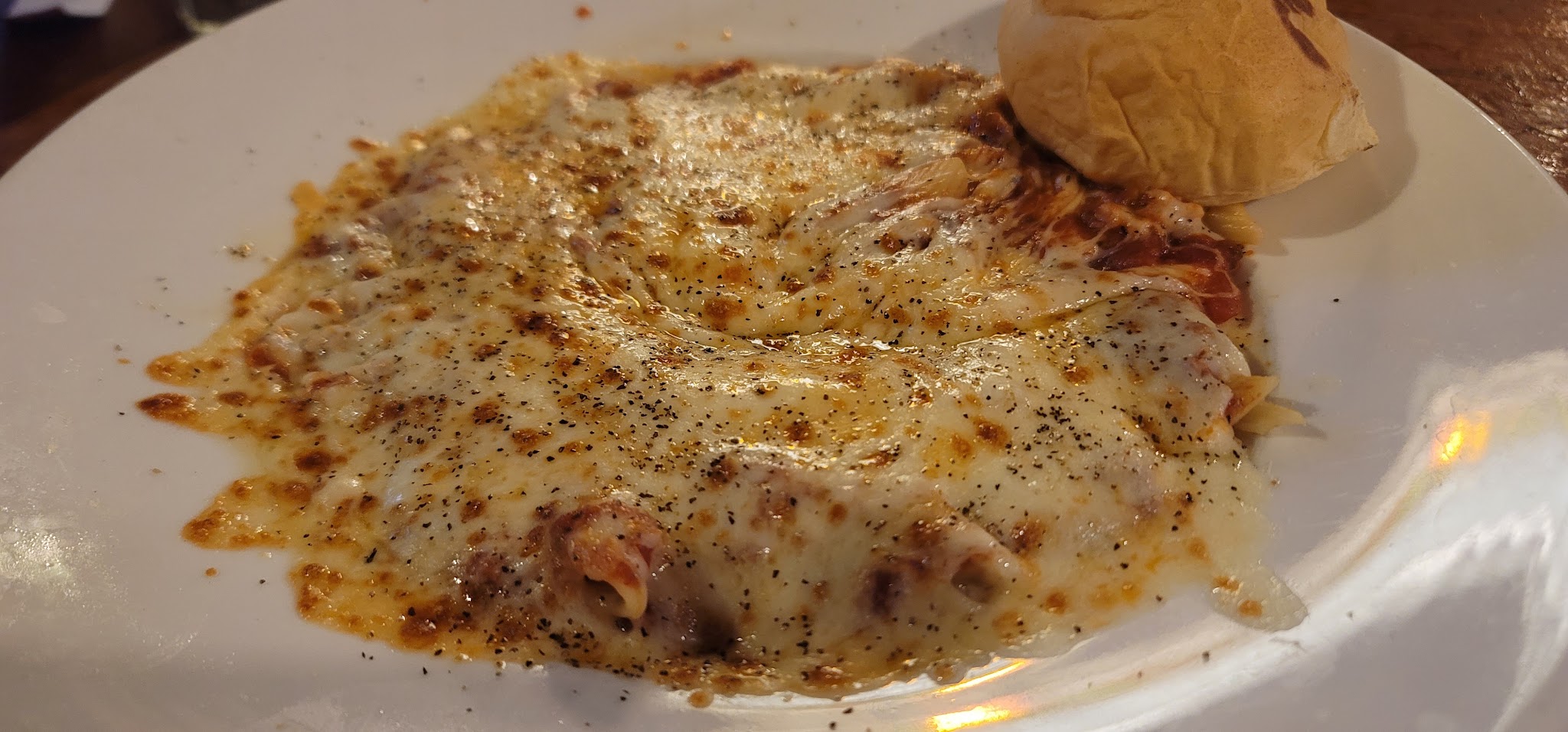 kept
kept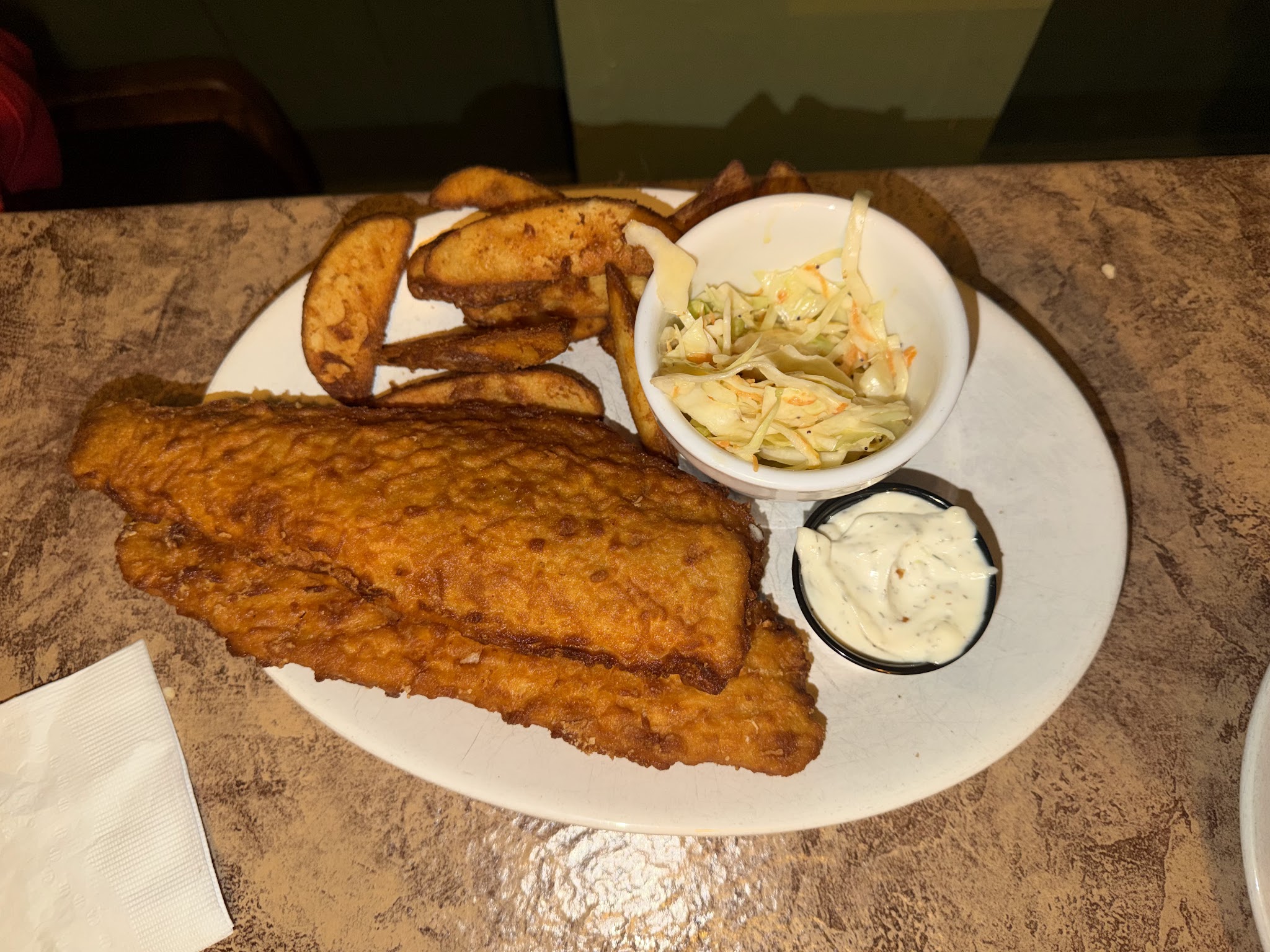 kept
kept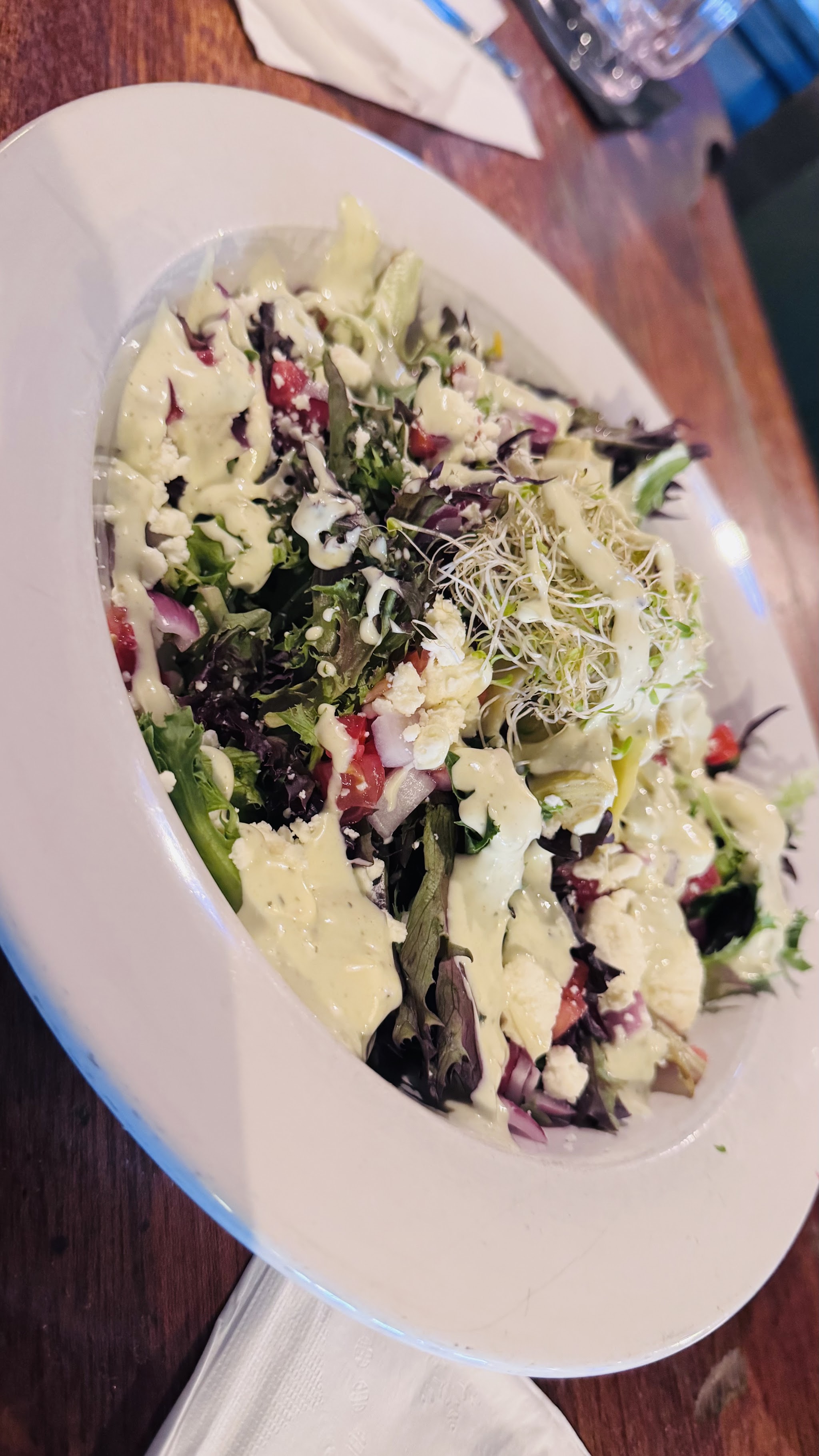 kept
kept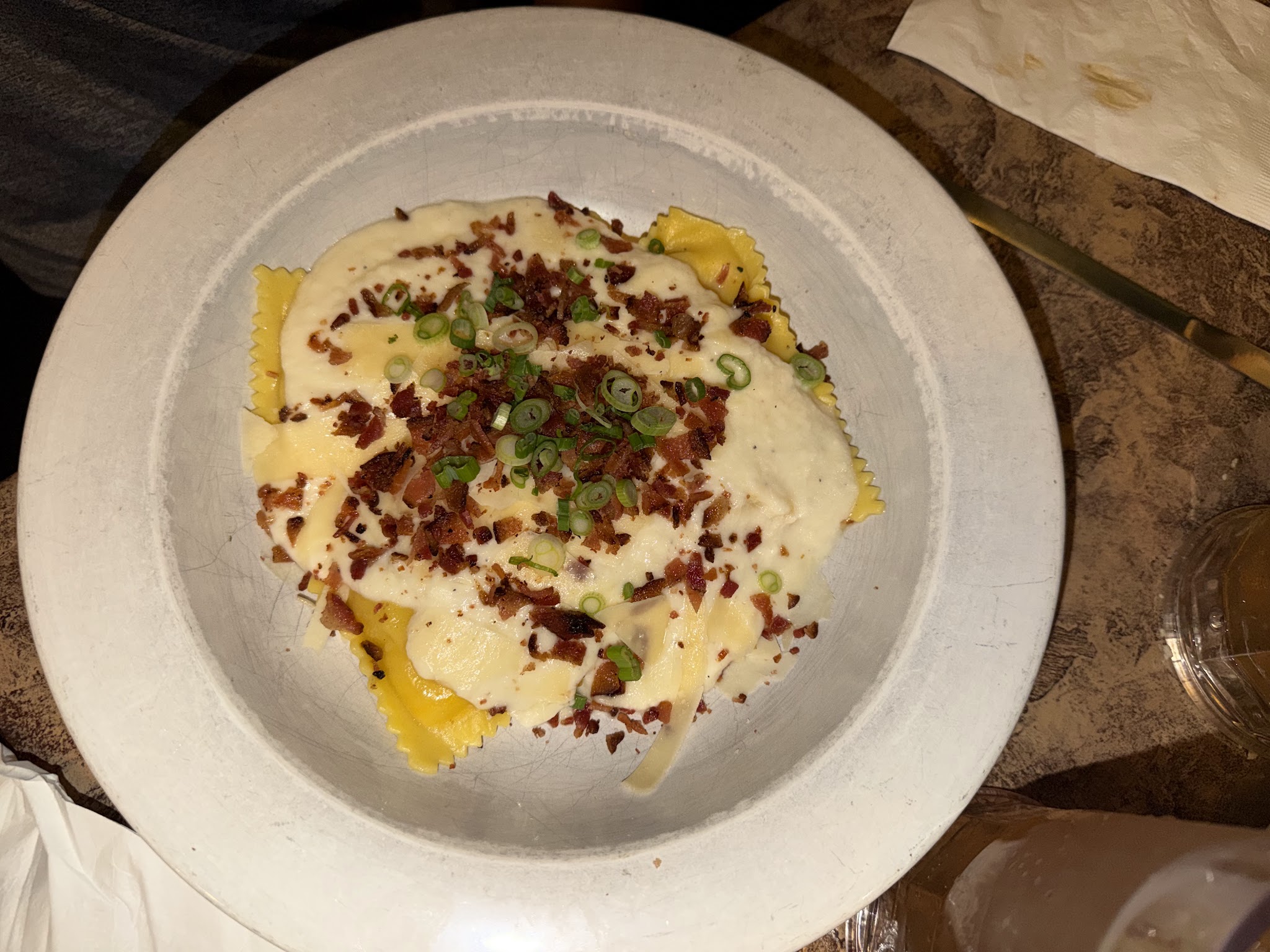 kept
keptRetoucher
Each approved plate goes through an image model that cleans up the shot — removes silverware and clutter, fixes lighting, and crops so the food fills the frame. About $0.04 per image.
Input — approved single-dish photos
Workflow
Output — retouched plates
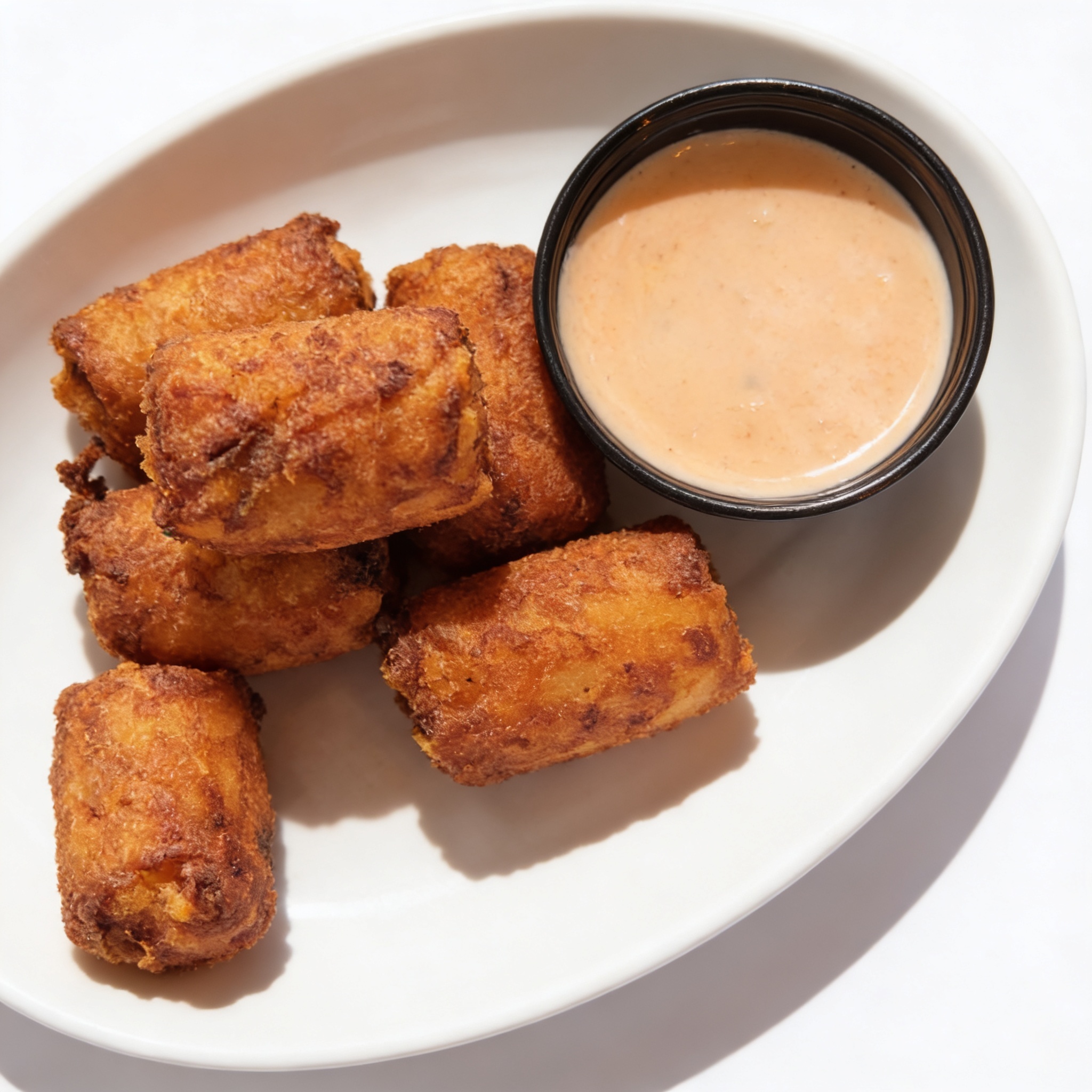
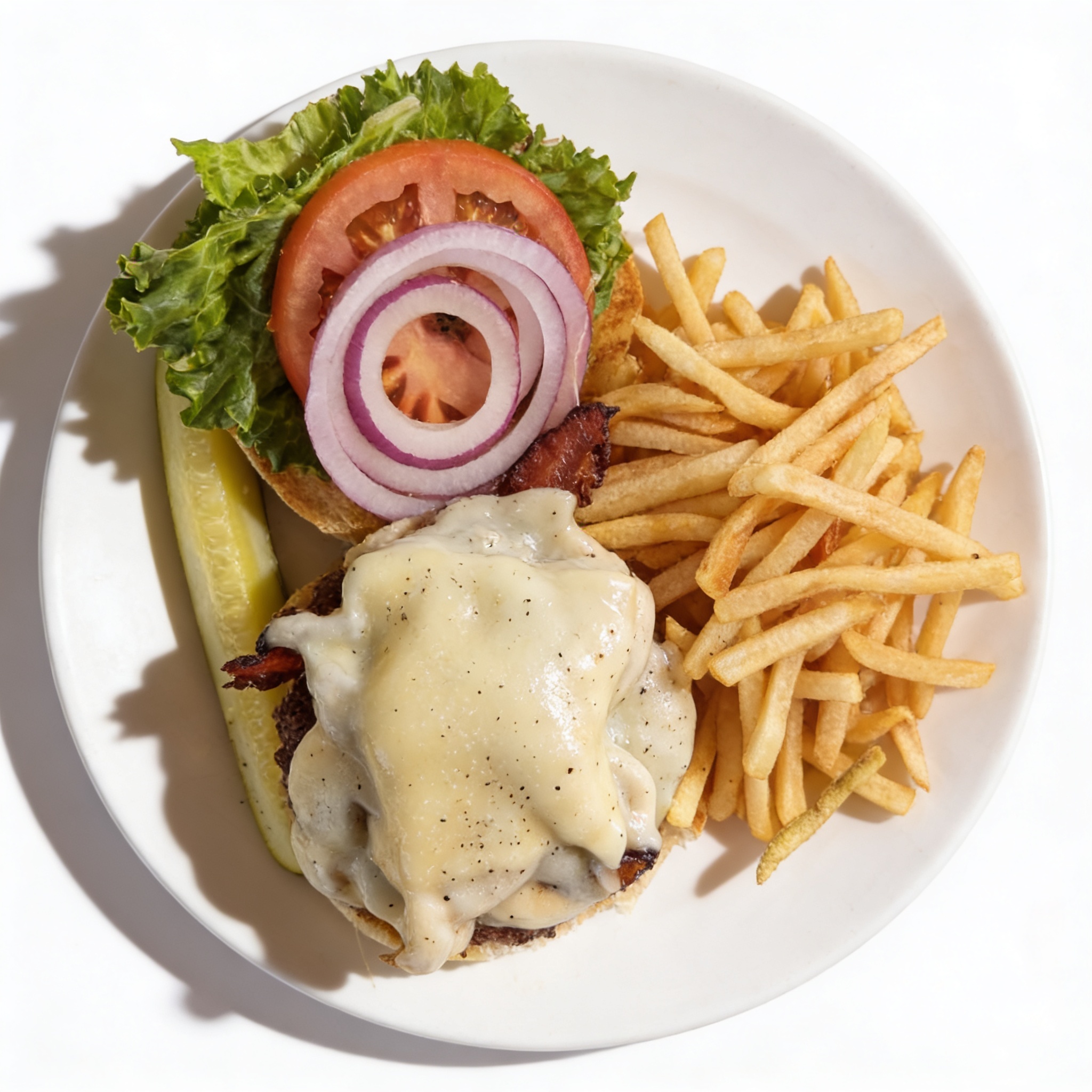
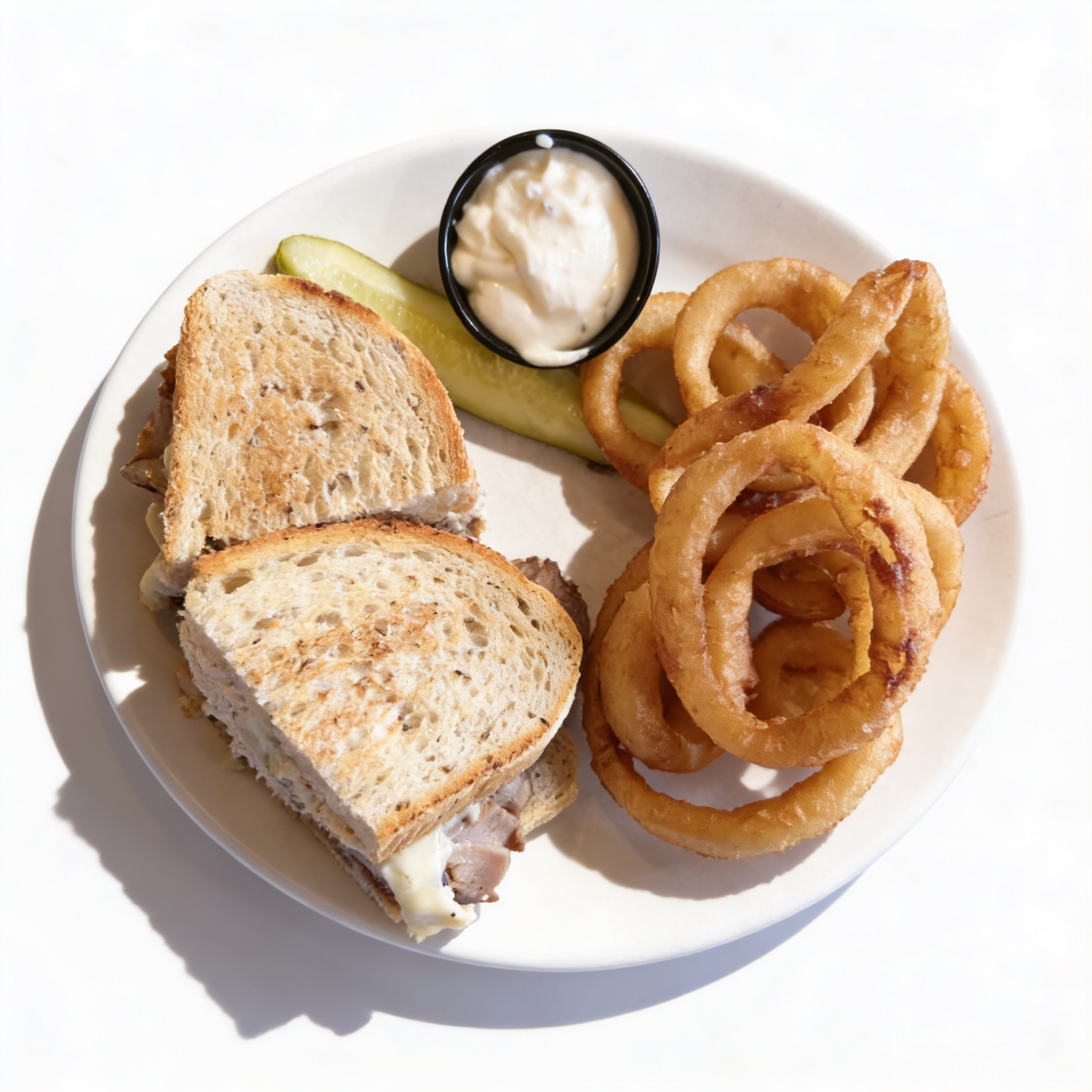
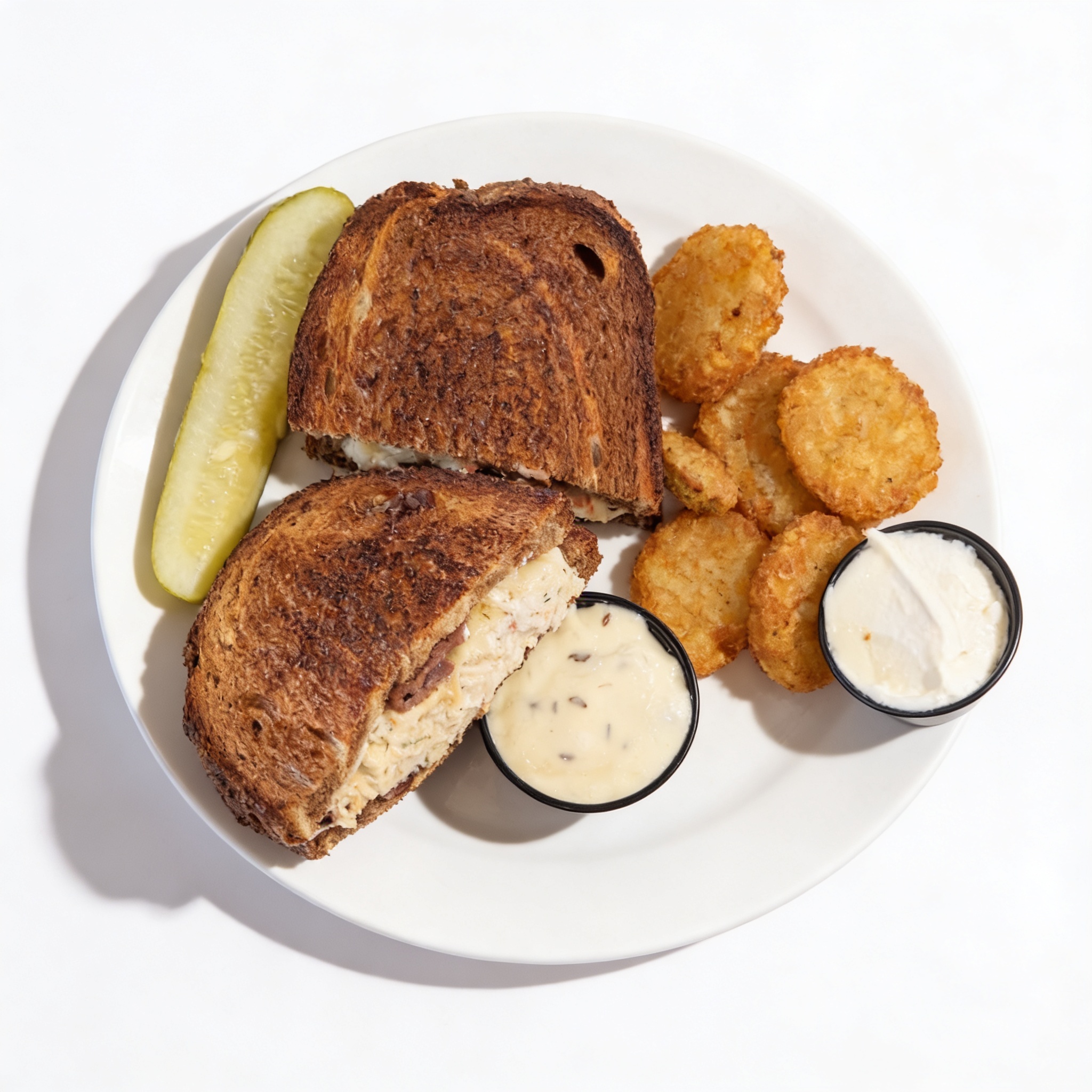
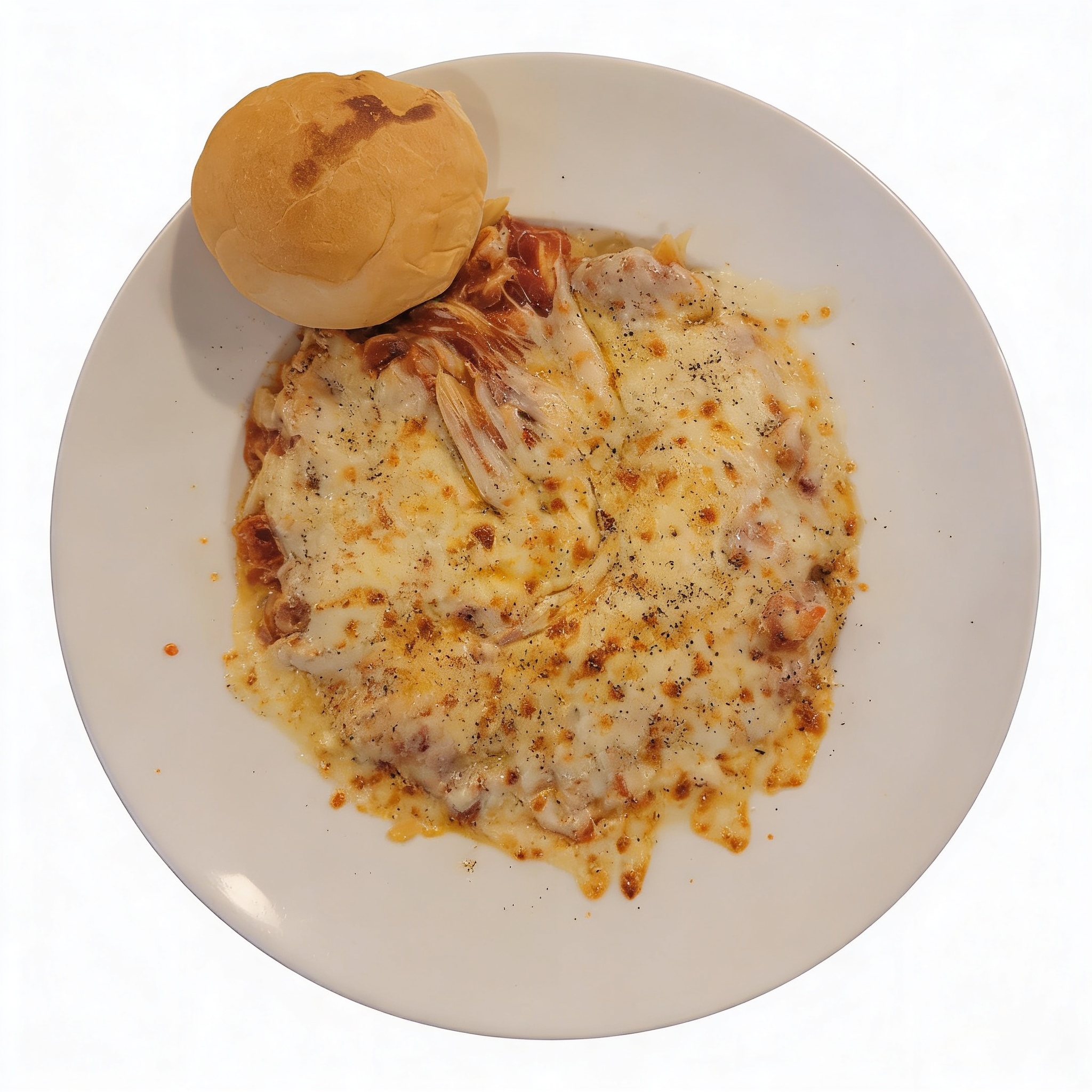
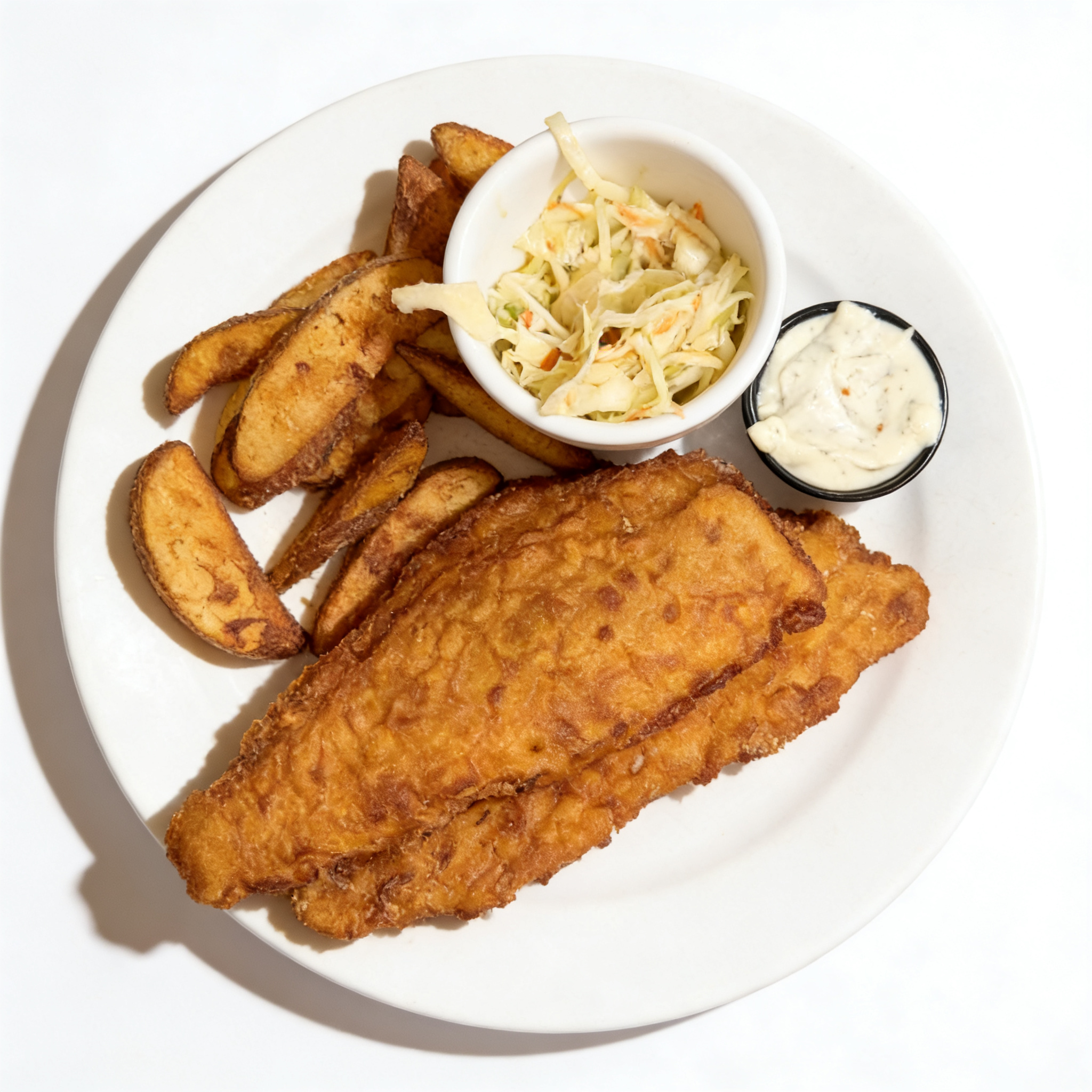
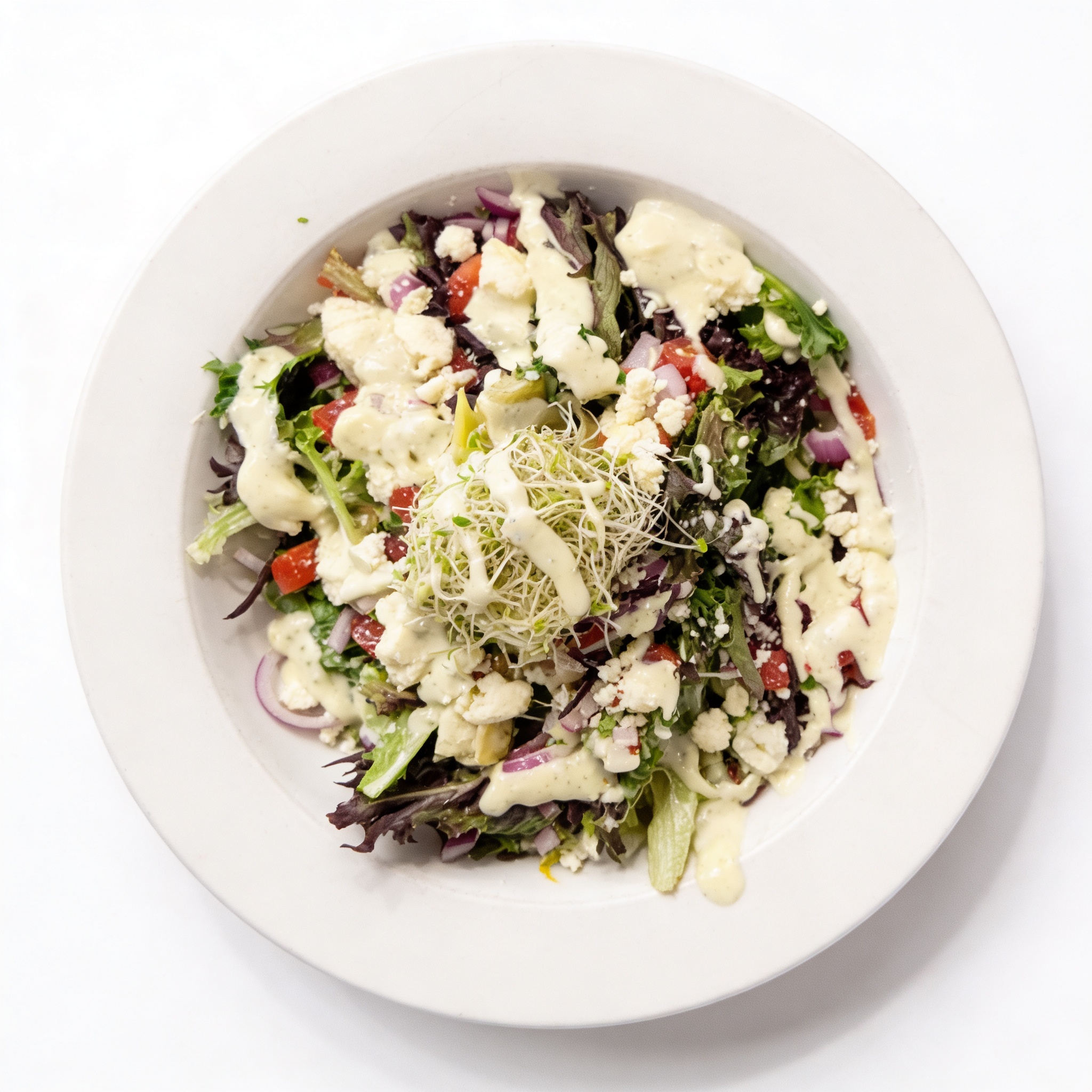
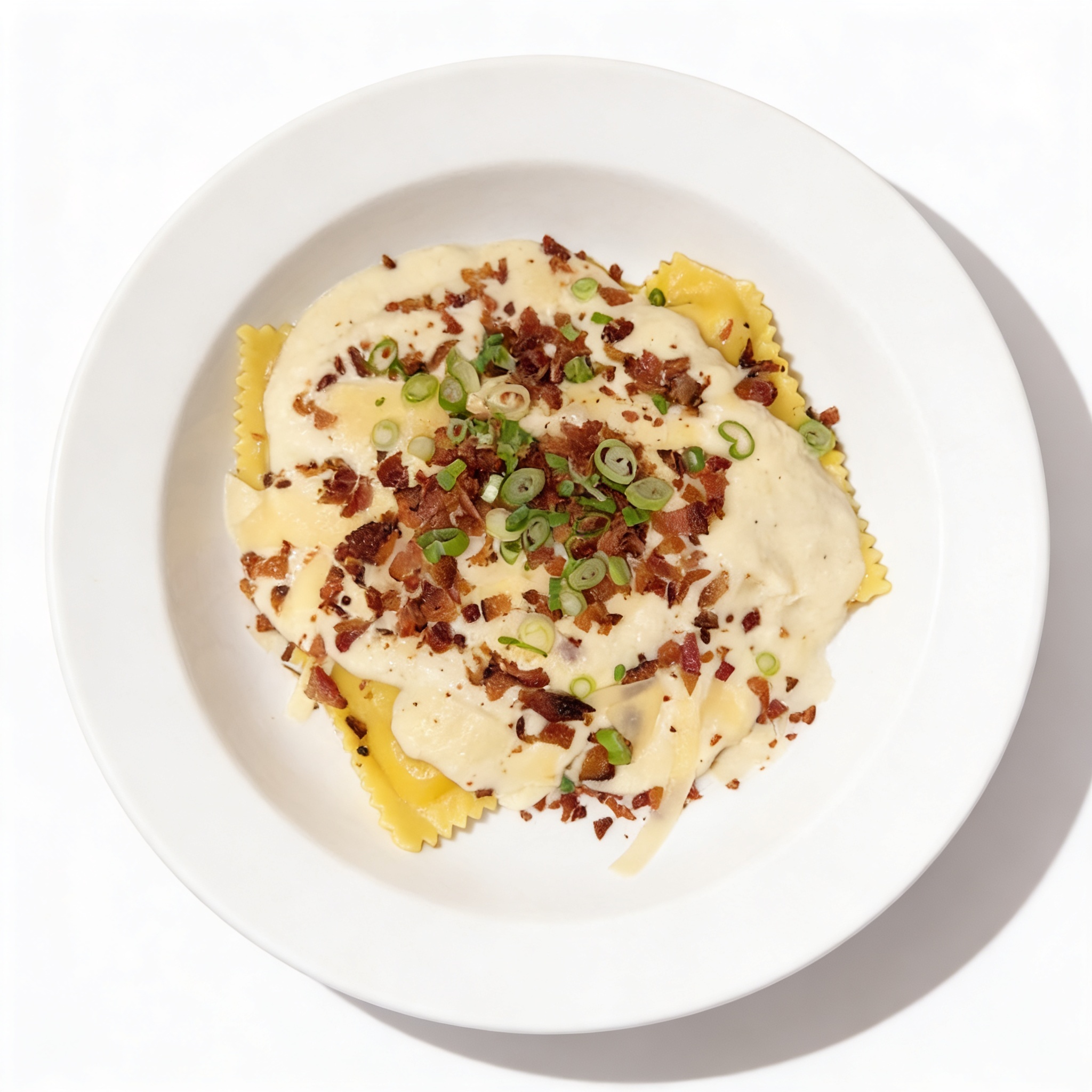
Menu Builder
The final stage joins the structured menu with the retouched photos — matching each dish image to the right menu item — and renders a clean, photo-illustrated menu.
Input
Workflow
Output — finished menu (live HTML the pipeline produced)
Scaled to fit — open the full menu.